
Extra Practice: Solving Equations
Loading the math board and drawing, please wait…
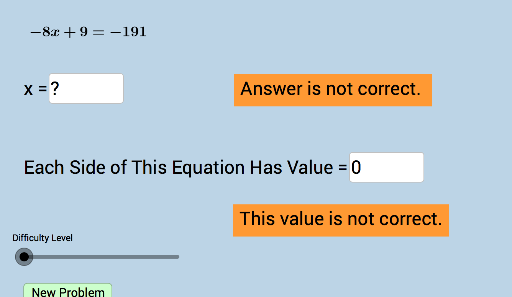
This example demonstrates the process of solving equations with geometric representations, involving core math concepts like equation solving, polynomial functions, logarithms, spheres, trapezoids, and calculus. It utilizes GeoGebra commands such as Union, RandomElement, Sequence, Random, and Textfield, with objects like list1, list2, list3, a, listright, listleft, liste, text1, text2, text4, text5, b, w, e, c, d, f, text6, text7, button1, g, m, n, o, text8, h, p, q, r, text9, i, ans1, ans2, ans3, ans4, InputBox1, varx, InputBox6, InputBox2, InputBox3. Suitable for high school students and math enthusiasts to practice and explore equation-solving methods.
GeoGebra Commands & Parameters
Union(list1, list2) → list3RandomElement(list3) → aSequence(i, i, a + 1, 35, 1) → listrightSequence(i, i, -35, a - 1, 1) → listleftUnion(listleft, listright) → listeRandomElement(list3) → bRandom(-30, 30) → wRandomElement(liste) → eRandomElement(liste) → mRandomElement(list3) → nRandomElement(list3) → pRandomElement(list3) → qTextfield(ans1) → InputBox1Textfield(varx) → InputBox6Textfield(ans2) → InputBox2Textfield(ans3) → InputBox3Textfield(ans4) → InputBox4Sequence(i, i, -35, 35, 0.5) → list5
AI Drawing Prompt Reference
Draw geometric representations of equations, including polynomial functions, logarithmic functions, spheres, trapezoids, etc. Use the Union command to merge lists, generate random elements with RandomElement, and create sequences with Sequence. Create input boxes with Textfield for entering answers. The diagram includes multiple lists and sequences to demonstrate the process of solving equations.
The prompt above was compiled from the original drawing commands and is for reference only.