
Exponents of Negative Numbers
Loading the math board and drawing, please wait…
In collections
Potenzen - Einführung
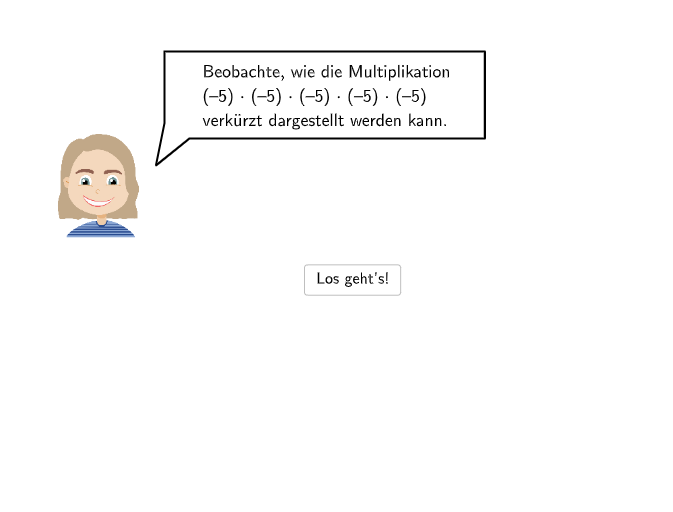
This example demonstrates the application of exponents of negative numbers, involving the multiplication of negative numbers and the rules of exponentiation. The key mathematical concepts include the definition of exponents, the multiplication of negative numbers, and the rules of exponentiation. The construction points include using GeoGebra's Corner, Segment, Point, Vector, Polygon commands and objects to draw graphs and demonstrate concepts. Suitable for middle school mathematics education, particularly for students learning exponents and negative numbers.
GeoGebra Commands & Parameters
Corner(a1, 4) → CornerText1Corner(a5, 4) → CornerText5Segment((-2.3, 1.94), (5.76, 1.94)) → anm1Point(anm1) → Pa1Segment(PSeg2, PSeg1) → anm2Point(anm2) → PaNeuCorner(num5, 4) → CornerNum5Segment(PSegNum1, PSegNum2) → anm3Point(anm3) → Pnum5Segment(PSegNum2, PSegNum2_{1}) → anm3_{1}Point(anm3_{1}) → Pnum5NeuVector(A, B) → uVector(B_{1}, A_{1}) → u_{1}Polygon(C, D, E, F) → q1, c, d, e, fVector(A_{2}, B_{2}) → u_{2}Segment(G, H) → gPoint(g) → PHandLSpeechBubbleRight(PBubbleAndrea, 6.5, 1.8) → bubble1SpeechBubbleRight(PBubbleAndrea, 6.5, 1.4) → bubble2Textfield(input1) → InputBox1Textfield(input2) → InputBox2Textfield(input3) → InputBox3Textfield(input4) → InputBox4Textfield(input5) → InputBox5Textfield(input6) → InputBox6SpeechBubbleRight(PBubbleAndrea, 8.3, 1) → bubble3SpeechBubbleLeft(PBubbleAndreaStart, 7, 1.7) → bubbleStart
AI Drawing Prompt Reference
Draw a diagram on a coordinate plane to illustrate rules for exponents of negative numbers. Start with two horizontal line segments as reference marks near the middle of the figure, and place points at their endpoints. Add corner labels and number labels in the upper corner area, then connect the relevant points with additional segments to form the guided structure for the example. Include arrow-like vector elements to indicate direction, and use them to outline a polygonal region that highlights the quantities involved. Finish by adding several speech bubbles on the right and one on the left to annotate the steps, plus multiple input boxes for entering the exponent-related expressions or values.
The prompt above was compiled from the original drawing commands and is for reference only.