
Exponential Notation with Fractions (Multiple-Choice Practice)
Loading the math board and drawing, please wait…
In collections
Potenzen - Einführung
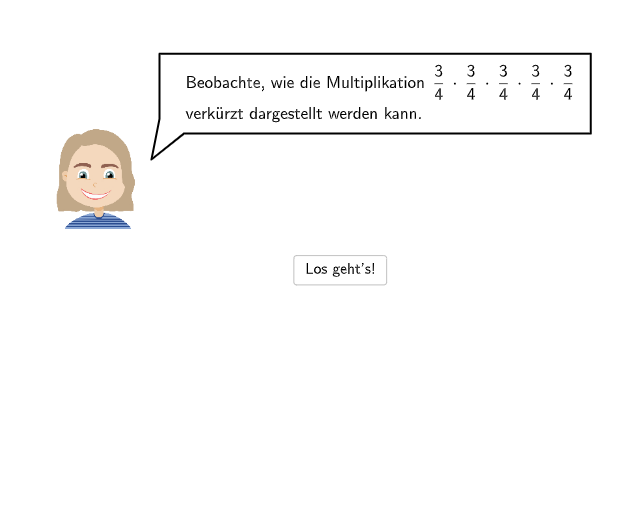
This GeoGebra example is an interactive multiple-choice exercise that demonstrates how to express repeated multiplication as a power, especially when the base is a fraction (e.g., 1/2, 1/3). The core mathematical concept is exponentiation with positive integer exponents, interpreting a power as repeated multiplication of the same number and applying the notation correctly. The construction uses GeoGebra interactive elements such as text fields, buttons, and checkboxes to build the quiz interface, along with segments, points, and polygons for visual aids, and scripting to control question progression and feedback. It is suitable for middle school students (grades 7-8) for classroom practice or self-study to reinforce the understanding of exponential notation.
GeoGebra Commands & Parameters
Corner(a1, 4) → CornerText1Corner(a5, 4) → CornerText5Segment((-2, 1.94), (6.07, 1.94)) → anm1Point(anm1) → Pa1Segment(PSeg2, PSeg1) → anm2Point(anm2) → PaNeuCorner(num5, 4) → CornerNum5Segment(PSegNum1, PSegNum2) → anm3Point(anm3) → Pnum5Segment(PSegNum2, PSegNum2_{1}) → anm3_{1}Point(anm3_{1}) → Pnum5NeuVector(A, B) → uVector(B_{1}, A_{1}) → u_{1}Polygon(C, D, E, F) → q1, c, d, e, fVector(A_{2}, B_{2}) → u_{2}Segment(G, H) → gPoint(g) → PHandLSpeechBubbleRight(PBubbleAndrea, 6.5, 1.8) → bubble1SpeechBubbleRight(PBubbleAndrea, 6.5, 1.4) → bubble2Textfield(input1) → InputBox1Textfield(input2) → InputBox2Textfield(input3) → InputBox3Textfield(input4) → InputBox4Textfield(input5) → InputBox5Textfield(input6) → InputBox6SpeechBubbleRight(PBubbleAndrea, 8.3, 1) → bubble3SpeechBubbleLeft(PBubbleAndreaStart, 10, 1.6) → bubbleStart
AI Drawing Prompt Reference
Draw an exercise for expressing fractions with exponents. Start by drawing a horizontal segment and placing a point on it to represent the fraction 1/2. Then draw a vertical segment connecting two points. Use text boxes for inputting exponential expressions and place hint bubbles nearby. Finally, use polygons and vectors to illustrate the concept of exponents.
The prompt above was compiled from the original drawing commands and is for reference only.