
Exploring Volume of Cones and Cylinders
Loading the math board and drawing, please wait…
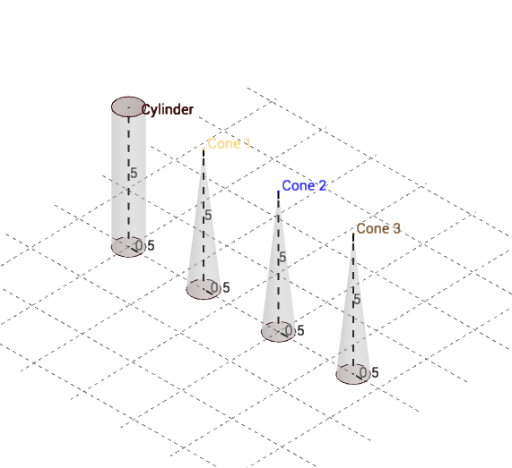
This example demonstrates the calculation and comparison of volumes for cones and cylinders. Key math concepts include volume formulas, geometric properties, similar triangles, and circle area. It uses commands like Cylinder, Cone, Point, Segment, and Textfield to construct the shapes, with sliders to adjust radius and display volumes V1, V2, V3. Suitable for middle school and above to understand volume calculations and geometric relationships.
GeoGebra Commands & Parameters
Cylinder(B, A, r) → Cylinder, c_2, d, bCylinder(A, C, r) → Honey, f, g, iCone(D, E, r) → Cone1, k, lCone(D, F1, r) → Syrup, p, nCone(H, G, r) → Cone2, q, oCone(H, I, r) → Water_1, t, uCylinder(C, F2, r) → Water, c_1, d_1, wCone(N, M, r) → Cone3, e_1, b_1Cone(N, O, r) → Oil_1, f_1, jCylinder(F2, F3, r) → Oil, s, g_1, mPoint(k) → JSegment(D, J) → aPoint(q) → KSegment(H, K) → cPoint(e_1) → LSegment(N, L) → ePoint(d) → FSegment(A, F) → hSegment(B, A) → h_1Segment(E, D) → i_1Segment(G, H) → j_1Segment(M, N) → k_1Textfield(v1) → InputBox1Textfield(v2) → InputBox2Textfield(v3) → InputBox3Textfield(v4) → InputBox4