
Exploring Transformations with Matrices
Loading the math board and drawing, please wait…
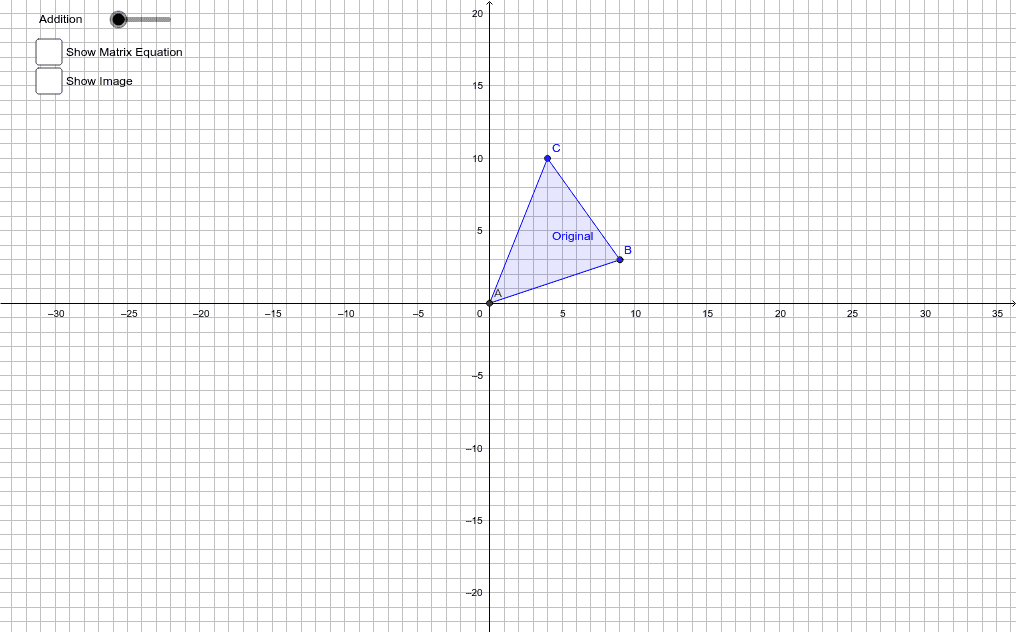
This example explores the transformations of points and figures on the plane using matrices, demonstrating the application of matrices in geometric transformations. Key mathematical concepts include matrices, vectors, and transformations. It utilizes commands like Polygon and Textfield in GeoGebra. Suitable for high school and above students or teachers.
GeoGebra Commands & Parameters
Polygon(A, B, C) → Original, c, a, bPolygon(Aprime_m, Bprime_m, Cprime_m) → Image_m, cprime_m, aprime_m, bprime_mPolygon(Aprime_a, Bprime_a, Cprime_a) → Image_a, cprime_a, aprime_a, bprime_aTextfield(T_a) → inputBox1Textfield(T_m) → inputBox2
AI Drawing Prompt Reference
Draw a triangle ABC first, then create two new triangles using matrix transformations based on the inputs from inputBox1 and inputBox2. Start by drawing triangle ABC, then apply the matrix transformations to generate the new triangles and label the original and transformed triangles.
The prompt above was compiled from the original drawing commands and is for reference only.