
Exploring Sections of Triangular Prisms
Loading the math board and drawing, please wait…
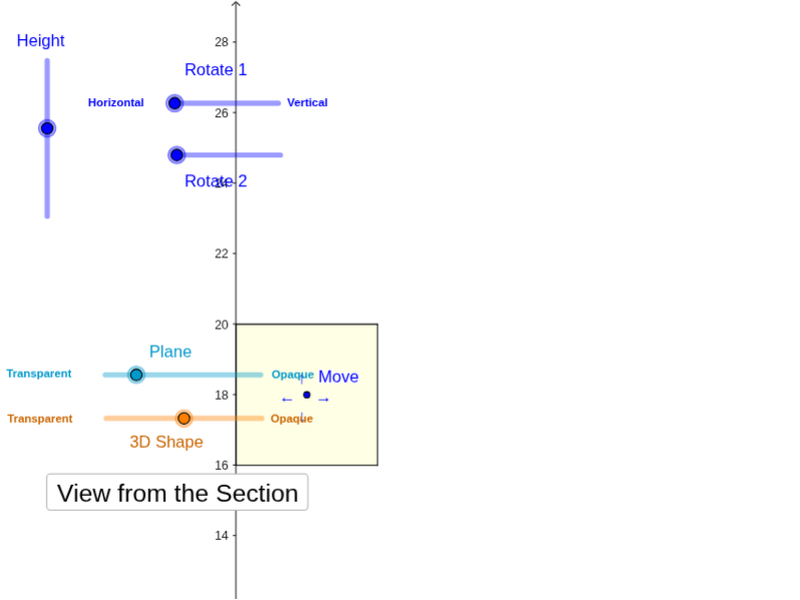
This example demonstrates how to use GeoGebra to investigate the shapes and properties of cross-sections of triangular prisms under different planes. The core mathematical concepts involved include solid geometry, cross-sectional geometry, and analytical geometry. The construction utilizes commands such as Polygon, PointIn, Translate, Rotate, Prism, Plane, IntersectPath, and OrthogonalLine. It is suitable for high school students to understand spatial geometry and cross-sectional analysis, as well as for visualizing volume integrals in calculus.
GeoGebra Commands & Parameters
Polygon(B + (-2, -2), B + (2, -2), B + (2, 2), B + (-2, 2)) → poly3, e, f, g, iPointIn(poly3) → CTranslate((0, 0, 0), Vector[B, C]) → APolygon(A + (-4, -4), A + (4, -4), A + (4, 4), A + (-4, 4)) → poly1, a, b, c, dRotate(Rotate[Translate[poly1, Vector[A, A + (0, 0, h)]], (90° * s), A + (0, 0, h), yAxis], (90° * t), A, zAxis) → poly2Rotate(D, 120°, (0, 0, 0)) → EPolygon(D, E, 3, xOyPlane) → poly4, j, k, l, FPrism(poly4, D + (0, 0, 4)) → m, M, edge4, edge5, edge6, N, face1, face2, face3, face4, edge1, edge2, edge3PointIn(poly2) → GPointIn(poly2) → HPointIn(poly2) → IPlane(G, I, H) → nIntersectPath(n, m) → poly6, poly5, r, a_1, b_1, c_1, K, L_1, O, P, J, L, p, qRotate(m, 0, zAxis) → m'Rotate(m, 0, zAxis) → m'_1OrthogonalLine(A, n) → d_1