
Exploring Polynomial Functions
Loading the math board and drawing, please wait…
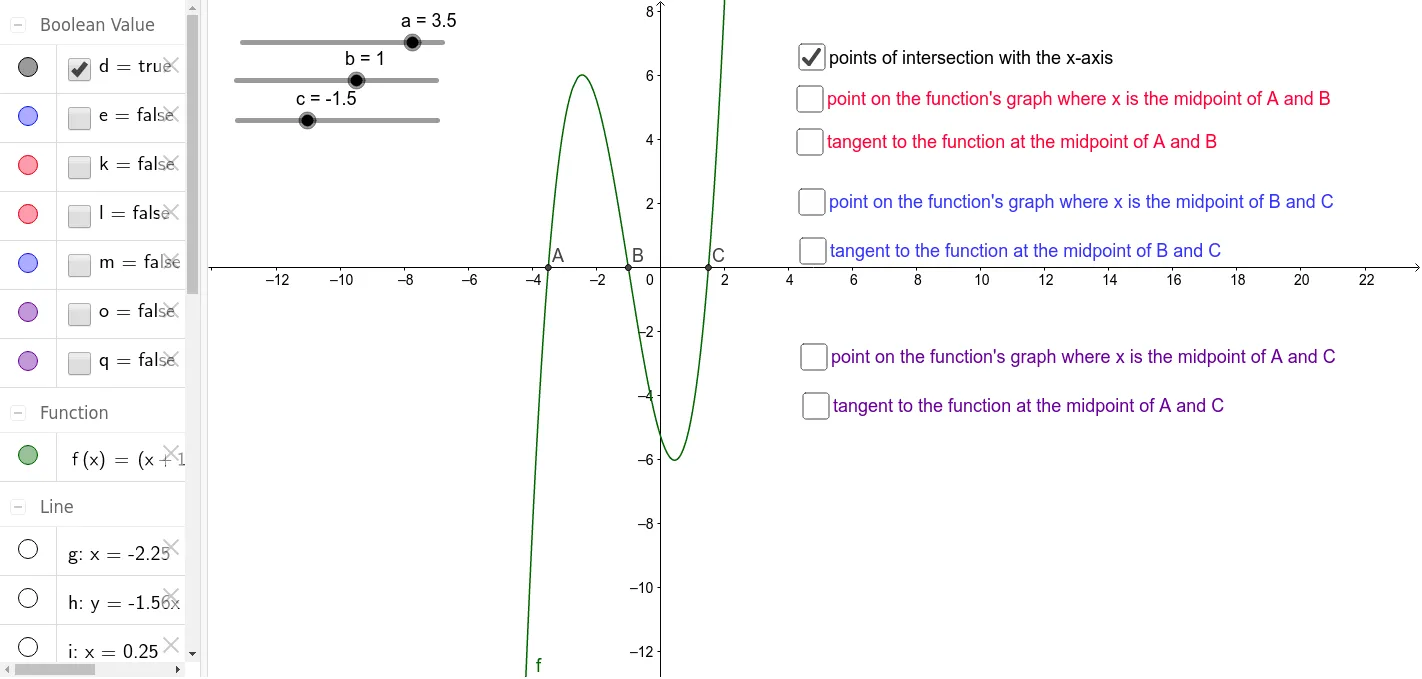
This example demonstrates how to explore the properties of polynomial functions with three different zeroes by changing parameters. Key math concepts include polynomial functions, zeroes, parameter effects, and changes in function graphs. GeoGebra commands used in construction are Intersect, Midpoint, OrthogonalLine, and Tangent, involving objects like a, b, c, f, A, B, C, D, g, E, h, d, k, l, F, i, G, j, e, m, H, n, I, p, o, q. It is suitable for high school mathematics students to understand the relationship between polynomial function graphs and parameters, ideal for teaching functions and derivatives.
GeoGebra Commands & Parameters
Intersect(f, xAxis, 1) → AIntersect(f, xAxis, 2) → BIntersect(f, xAxis, 3) → CMidpoint(A, B) → DOrthogonalLine(D, xAxis) → gIntersect(f, g, 1) → ETangent(E, f) → hMidpoint(B, C) → FOrthogonalLine(F, xAxis) → iIntersect(f, i) → GTangent(G, f) → jMidpoint(A, C) → HOrthogonalLine(H, xAxis) → nIntersect(f, n, 1) → ITangent(I, f) → p