
Exploring a Pyramid with Square Cross Sections by Bruce Cohen
Loading the math board and drawing, please wait…
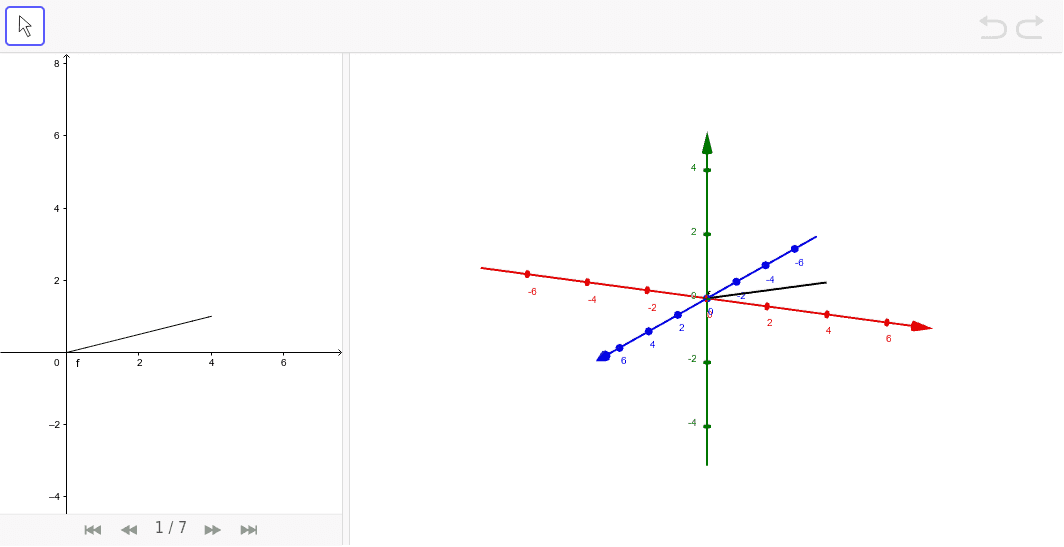
This example demonstrates constructing a pyramid with square cross sections through rotation and analyzing its geometric properties. Key math concepts include solid geometry, volume calculation, rotational solids, and parametric equations. It uses GeoGebra commands like Point, Polygon, Pyramid, Plane, IntersectPath. Suitable for high school and above learning solid geometry, calculus volume, and parametric equations.
GeoGebra Commands & Parameters
Point(f) → APolygon((4, 1, 1), (4, 1, -1), (4, -1, -1), (4, -1, 1)) → base, a, b, c, dPyramid(base, (0, 0, 0)) → pyra, face1, face3, face4, face2, edge1, edge2, edge3, edge4Plane((x(A), y(A), y(A)), (x(A), (-y(A)), y(A)), (x(A), (-y(A)), (-y(A)))) → slicePlaneIntersectPath(slicePlane, pyra) → poly1, poly2, e, g, h, i, j, k, l, m, B, C, D, E, F, G, H, I
AI Drawing Prompt Reference
Draw a pyramid with a square base, rotate it to create a solid, and show a plane intersecting the pyramid to analyze its cross-sectional shapes, demonstrating concepts of rotational solids and parametric equations.
The prompt above was compiled from the original drawing commands and is for reference only.