
Escher Symmetry Pattern 3_3
Loading the math board and drawing, please wait…
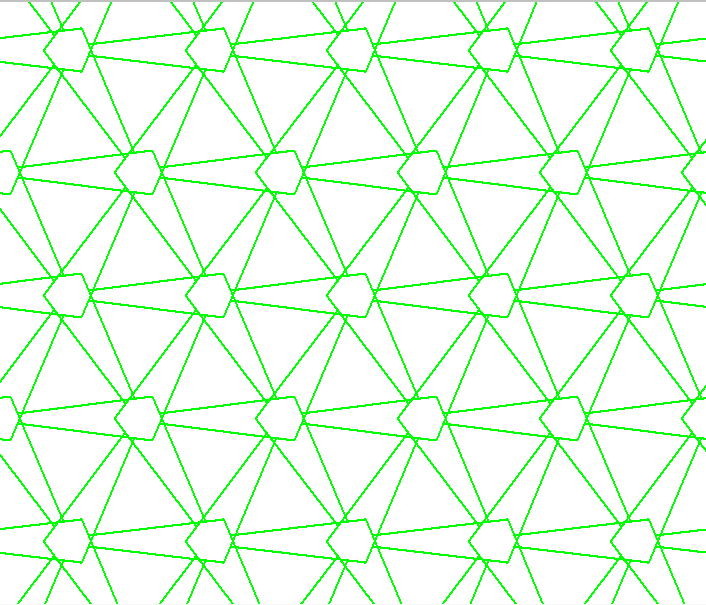
This example demonstrates an Escher-style tiling pattern. It involves the concept of symmetry. By using the Rotate command, users can observe how the pattern rotates around a point to form symmetry. Suitable for middle school and above students or teachers for teaching and learning symmetry transformations.
GeoGebra Commands & Parameters
Rotate(pic1, α, A) → pic1'
AI Drawing Prompt Reference
Create an Escher-style symmetry pattern by rotating a basic shape around a point to form symmetry. First, draw a basic shape, then use the rotation command to rotate it by a certain angle around the center point to generate the symmetric pattern.
The prompt above was compiled from the original drawing commands and is for reference only.