
Ellipse with Kitten
Loading the math board and drawing, please wait…
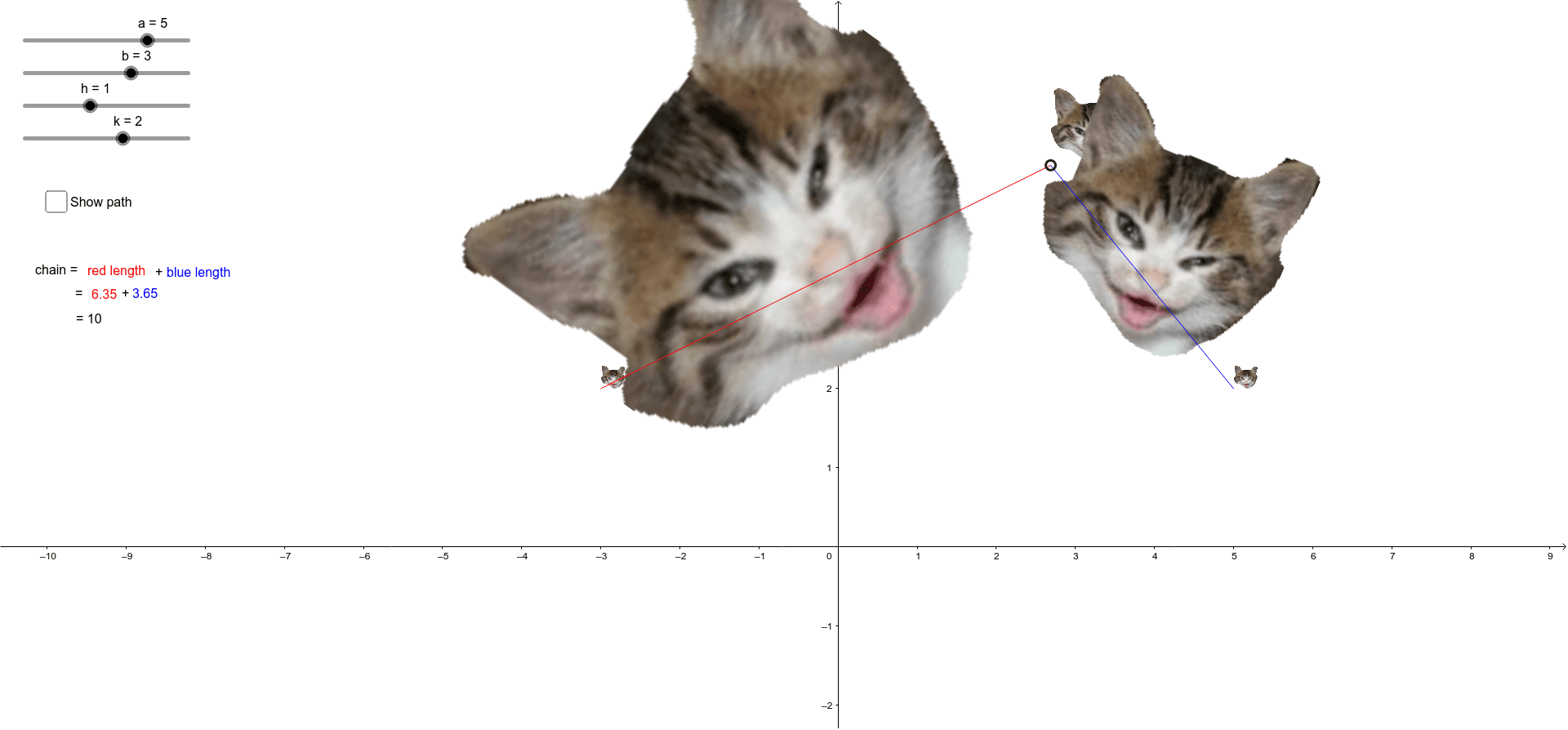
This example uses GeoGebra to demonstrate an ellipse, showing its foci and center. It involves key mathematical concepts such as the definition of an ellipse, foci, and center. Using commands like Point, Segment, Dilate, and Rotate, a dynamic ellipse can be constructed. Suitable for high school mathematics education and learning about ellipse properties.
GeoGebra Commands & Parameters
Point(c) → ASegment(F1, A) → redSegment(F2, A) → blueDilate(A, 0.46511627906976744, F1) → A'Rotate(A', -62*°, F1) → A''Dilate(A, 0.87, F2) → QRotate(Q, 28*°, F2) → Q'
AI Drawing Prompt Reference
Draw an ellipse with its two foci and center clearly marked. Pick a point on the ellipse and connect it to each focus using two differently colored line segments. Then, using one focus as the center, scale that point down by a factor and rotate it by a specific angle to create a new point. Similarly, using the other focus, scale the original point and rotate it to produce another new point. These constructions illustrate the constant sum of distances from any point on the ellipse to the foci, suitable for high school geometry lessons.
The prompt above was compiled from the original drawing commands and is for reference only.