
Ellipse Tracing Demonstration
Loading the math board and drawing, please wait…
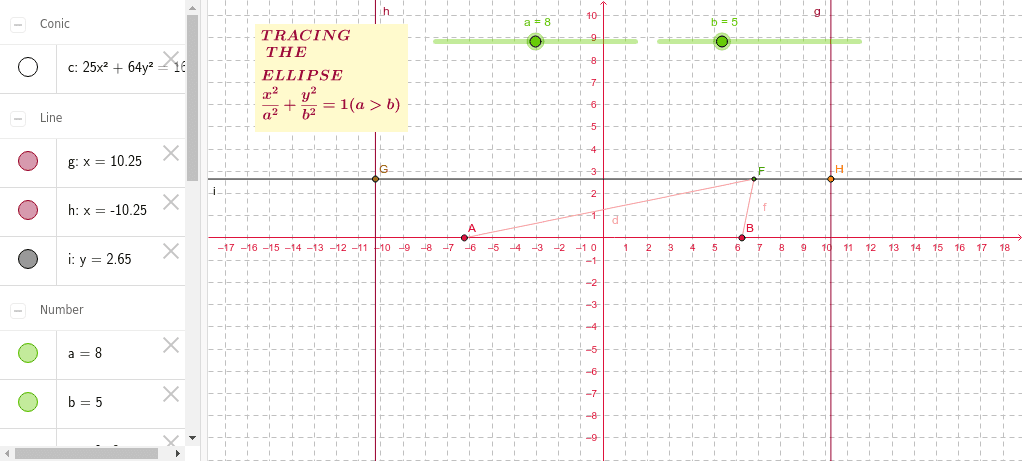
This example demonstrates the dynamic tracing of a point to draw an ellipse, involving core math concepts like ellipse definition, linear functions, symmetry, and parametric equations. Construction highlights include using GeoGebra commands such as Point, Segment, OrthogonalLine, and Intersect. Suitable for high school mathematics education to understand geometric properties and parametric representations of ellipses.
GeoGebra Commands & Parameters
Point(c) → FSegment(A, F) → dSegment(B, F) → fOrthogonalLine(F, h) → iIntersect(h, i) → GIntersect(g, i) → H
AI Drawing Prompt Reference
Draw a dynamic trace of a point to illustrate how it forms an ellipse. Start by establishing a center point and draw two line segments from this center to points on the ellipse. Then, from one of the points, draw a perpendicular line that intersects the other line segment at two points. The path traced by these intersection points will outline the ellipse.
The prompt above was compiled from the original drawing commands and is for reference only.