
Ellipse by Mirjana Jovanovic
Loading the math board and drawing, please wait…
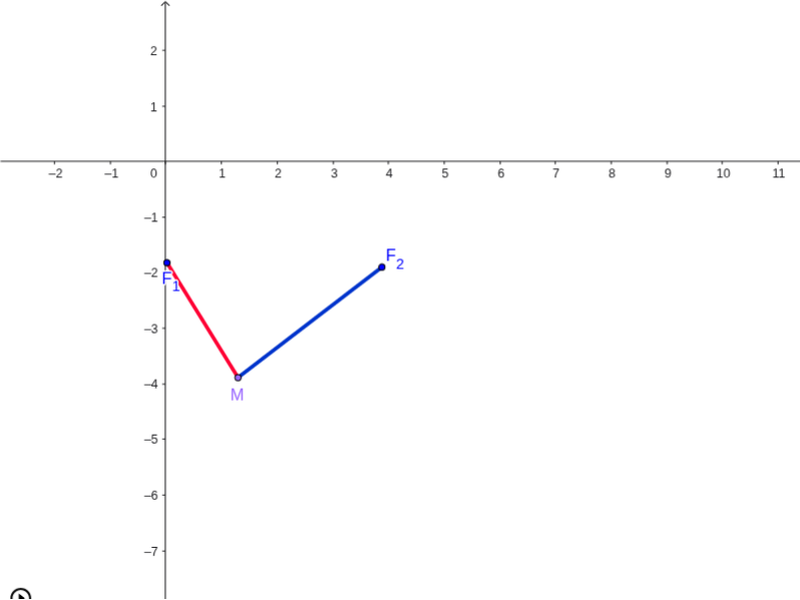
This GeoGebra example was created by 11th grade students Sandra Jelčić and Tanja Nožica from 'Isidora Sekulić' Grammar School, Novi Sad, Serbia. It demonstrates the basic properties of an ellipse, involving key mathematical concepts such as the definition and properties of an ellipse. Using GeoGebra commands like Ellipse, Point, Line, Segment, Intersect, etc., the geometric construction of the ellipse can be dynamically explored. Suitable for high school mathematics education and learning.
GeoGebra Commands & Parameters
Ellipse(F_1, F_2, C) → cPoint(c) → MLine(E, F) → dSegment(F_1, M) → aSegment(M, F_2) → bPoint(d) → GPoint(Circle[G, abs(a)]) → HSegment(G, H) → ePoint(Circle[H, abs(b)]) → ISegment(H, I) → fSegment(G, I) → gIntersect(a, b) → JTangent(M, c) → h,Segment(G, H) → iTangent(M, c) → j,Circle(M, 1.5) → kIntersect(k, j, 2) → K
AI Drawing Prompt Reference
Draw an ellipse with two foci F1 and F2 and center C. Choose a point M on the ellipse and draw the tangent line at M. Draw the major axis a and minor axis b of the ellipse and their intersection point J. Draw the endpoints G and H of the major axis, connecting G and H to form the major axis. Draw the endpoints I and H of the minor axis, connecting I and H to form the minor axis. Connect G and I to form the focal distance. Draw a circle with center M and radius 1.5, intersecting the tangent line at M to form point K.
The prompt above was compiled from the original drawing commands and is for reference only.