
Dynamic Tree Construction with Similar Triangles
Loading the math board and drawing, please wait…
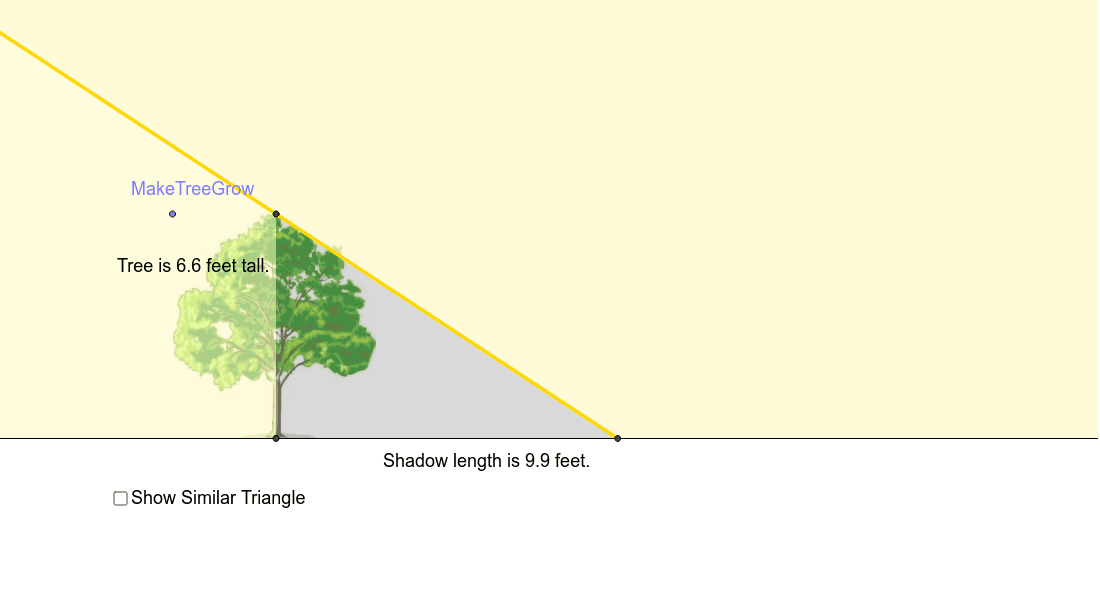
This example dynamically demonstrates how to construct a tree-like structure using similar triangles. It involves core mathematical concepts such as the properties and criteria of similar triangles, rotation transformations, sine function applications, and point-line relationships in analytical geometry. The construction leverages GeoGebra commands and objects like Point, Line, Intersect, Ray, Polygon, OrthogonalLine, emphasizing rotational and similarity-based scaling for branch growth. Suitable for high school mathematics instruction to illustrate the application of similarity transformations in geometric constructions and explore the connection between trigonometric functions and geometric transformations.
GeoGebra Commands & Parameters
Point(xAxis) → APoint(xAxis) → BLine(A, yAxis) → aPoint(a) → MakeTreeGrowLine(D, b) → cPoint(c) → EPoint(xAxis) → FPoint(xAxis) → GLine(F, G) → dIntersect(c, d) → HRay(H, E) → ePoint(d) → JPolygon(E, H, J, I) → poly2, e_1, h_1, j, iPolygon(D, R, H) → poly1, h, d_1, rOrthogonalLine(E, d) → fIntersect(d, f) → CPolygon(E, C, R, D) → poly3, e_2, c_1, r_1, d_2Point(d) → KPoint(d) → MPolygon(L, K, M) → poly4, m, l, k
AI Drawing Prompt Reference
Draw a dynamic tree structure using similar triangles to demonstrate its construction. Start by placing two points on the x-axis, then determine the trunk and branches using perpendicular lines and intersection points. Apply rotational and similarity-based scaling to generate new branches, combining sine function applications and point-line relationships to form a tree-like shape composed of multiple polygons, highlighting the connection between geometric transformations and trigonometric functions.
The prompt above was compiled from the original drawing commands and is for reference only.