
Dynamic Law of Sines Illustration
Loading the math board and drawing, please wait…
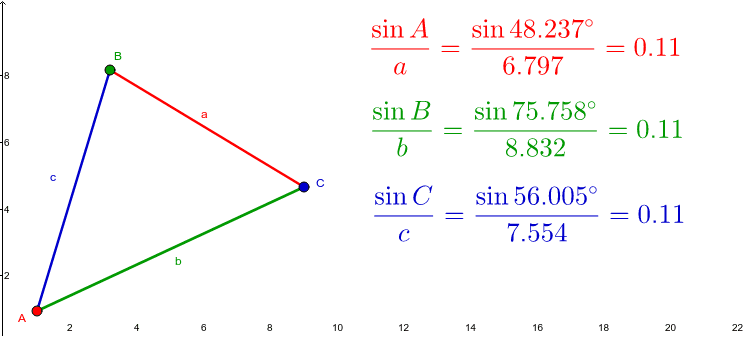
This example dynamically illustrates the Law of Sines by allowing users to drag triangle vertices and observe the changing ratios. It covers the core concept of the Law of Sines in any triangle, where the ratio of each side to its opposite angle's sine is constant. Constructed using GeoGebra commands like Polygon for the triangle, Angle for measuring angles, and text objects to display the sine ratios of sides and angles. Ideal for high school students and teachers to visualize and understand the Law of Sines.
GeoGebra Commands & Parameters
Polygon(A, B, C) → poly1, c, a, bAngle(C, A, B) → αAngle(A, B, C) → βAngle(B, C, A) → γ