
Dynamic Demonstration of Trapezium Area Formula
Loading the math board and drawing, please wait…
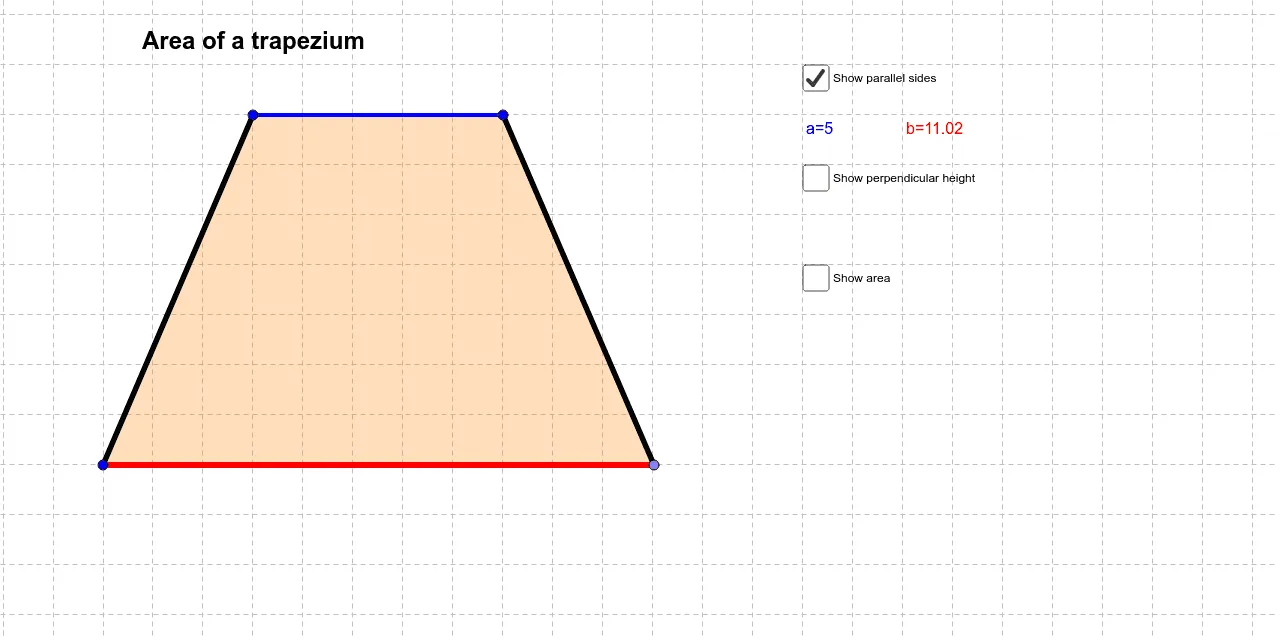
This GeoGebra example dynamically demonstrates the calculation of trapezium (trapezoid) area.①What it shows: An adjustable trapezium with visual derivation of the area formula through decomposition and rearrangement;②Mathematical concepts: Trapezium area formula S=(a+b)h/2, properties of parallel lines, concept of height, relationship between bases and height;③Construction: Uses Polygon command to draw trapezium poly1, Segment for edges AB/BC/CD/DA, Line and OrthogonalLine for auxiliary lines, Intersect to find intersection points, with draggable points showing dynamic area changes;④Target audience: Suitable for middle school mathematics units on 'Area of Polygons', useful for understanding trapezium area formula derivation and reviewing relationships between parallelograms, triangles, and trapeziums.
GeoGebra Commands & Parameters
Segment(A, B) → aLine(C, a) → bPoint(b) → DPolygon(C, A, B, D) → poly1, c, a_1, b_1, dPoint(a) → EOrthogonalLine(E, a) → eIntersect(e, b) → FSegment(E, F) → f
AI Drawing Prompt Reference
Draw a dynamic trapezoid to visually demonstrate the area formula derivation. Include parallel lines, draggable points, and auxiliary lines to show the relationship between bases and height. Use decomposition and rearrangement to illustrate the area calculation, emphasizing the trapezoid's area formula S=(a+b)h/2 and dynamic area changes.
The prompt above was compiled from the original drawing commands and is for reference only.