
Dynamic Demonstration of Rotation Composed with Homothety
Loading the math board and drawing, please wait…
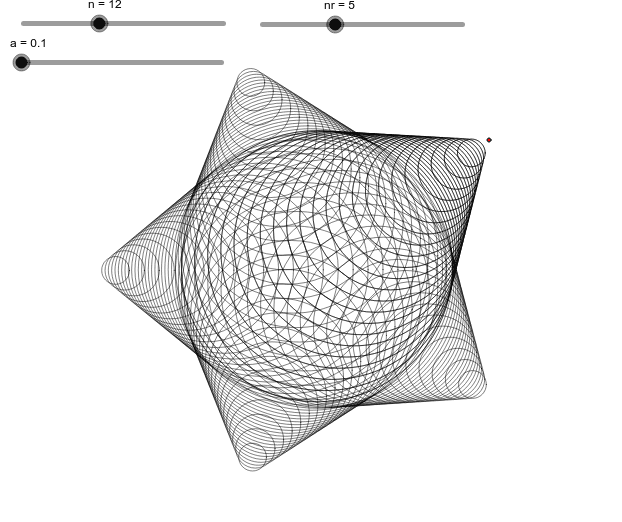
This GeoGebra example dynamically illustrates the composition of a rotation and a homothety (scaling) transformation applied to a point. By moving the red point, users can observe how its image changes under the combined transformation. Core mathematical concepts include rotation, homothety (similarity transformation), matrix representation of transformations, and composition of transformations. The construction uses the Circle command to create a base circle, the Sequence command to generate sequences of points, and defines objects such as a, n, C, B, A, c, liste1, nr, and liste2, which likely store point lists before and after transformation. Sliders or draggable points control parameters for dynamic interaction. This resource is suitable for high school or early college students learning geometric transformations, matrix operations, and dynamic geometry, as well as for teachers demonstrating the visual properties of transformation composition in class.
GeoGebra Commands & Parameters
Circle(A, B) → cSequence(Dilate[c, i, C], i, a, 1, 0.5 / n) → liste1Sequence(Rotate[liste1, i, A], i, 0, (2 * π), (2 * π / nr)) → liste2