
Draw a Normal Line
Loading the math board and drawing, please wait…
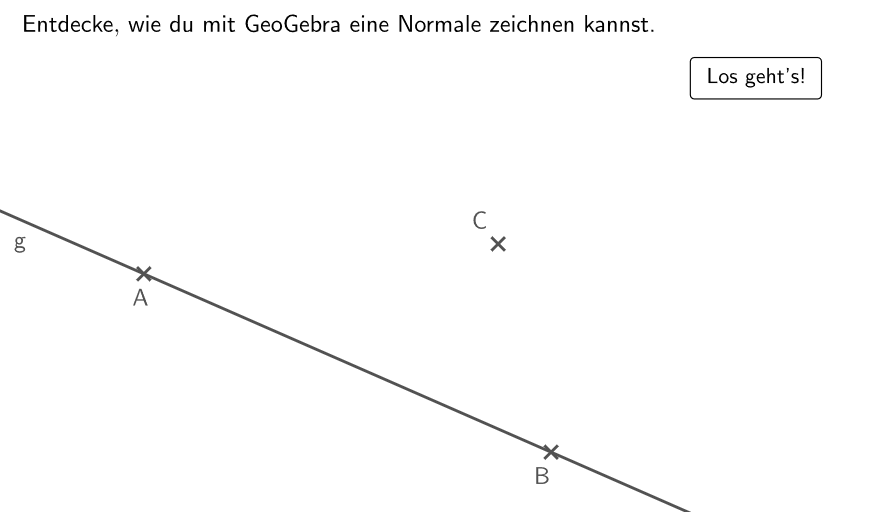
This example demonstrates how to draw a normal line. It involves key mathematical concepts such as geometry, straight lines, and curve sketching. Using GeoGebra commands like Line, OrthogonalLine, Intersect, and Angle, one can construct a normal line. Suitable for students at the junior high school level and above.
GeoGebra Commands & Parameters
Line(A, B) → gOrthogonalLine(C, g) → hIntersect(g, h) → DAngle(B, D, C) → rWConstructionStep() → conStep
AI Drawing Prompt Reference
Draw a straight line and construct a perpendicular line to it. Then find the intersection point of these two lines. Next, measure the angle from the intersection point to the original line. This figure illustrates the relationship between lines, perpendicular lines, and angles, suitable for geometric learning.
The prompt above was compiled from the original drawing commands and is for reference only.