
Cylinder Volume Calculation and Dynamic Demonstration
Loading the math board and drawing, please wait…
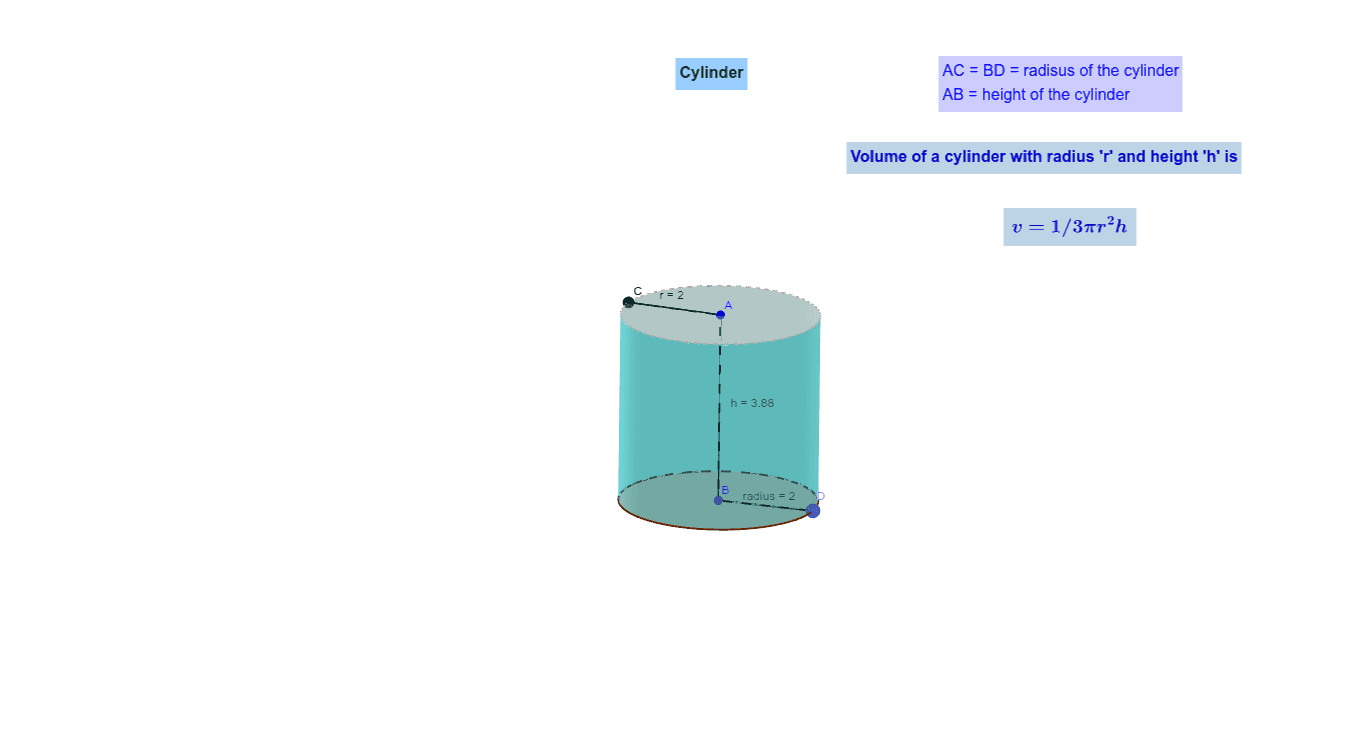
This GeoGebra example constructs a cylinder and dynamically demonstrates the calculation of its volume. The core mathematical concept is the volume formula for a cylinder in solid geometry, V = πr²h, and the relationship between volume, base radius, and height. Construction details include using the Cylinder command to create the solid, Point and Segment to define the base center, radius, and height, the Volume command to compute the volume, and text objects (text1 to text4) to display the radius, height, and volume values. It is suitable for middle school (upper grades) to high school students learning the volume formula in solid geometry, and can be used for teacher demonstrations or student exploration of how changing parameters affects the volume.
GeoGebra Commands & Parameters
Cylinder(A, B, 2) → d, c, e, CylinerPoint(c) → CSegment(A, C) → rSegment(A, B) → hVolume(d) → bVolume(d) → VolumePoint(e) → DSegment(B, D) → radius