
Cylinder Cut Demonstration
Loading the math board and drawing, please wait…
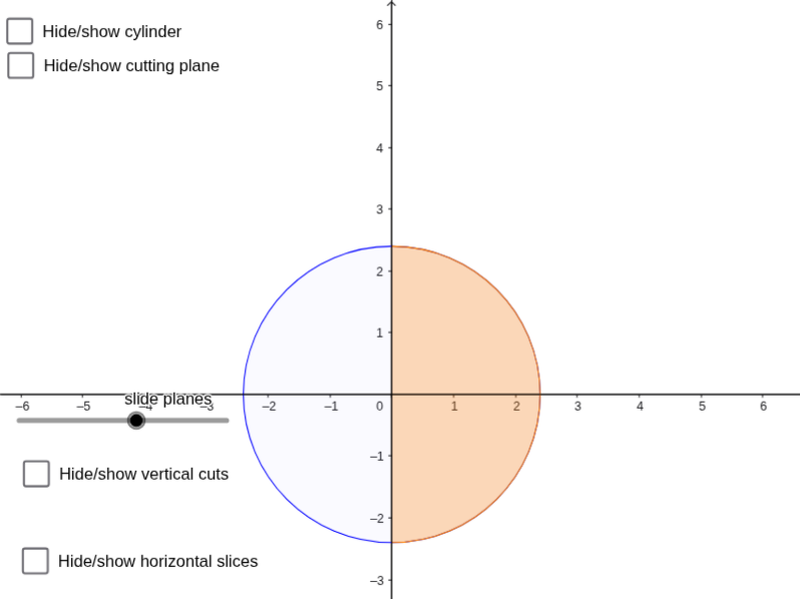
This example demonstrates the generation of various cross-sectional shapes by rotating and slicing a cylinder, involving core mathematical concepts like cylinders, difference operations, slopes, hyperbolas, solid geometry, definite integrals, and 2D vectors. It utilizes GeoGebra commands such as Circle, Cylinder, Line, Rotate, Plane, IntersectPath, Surface, Semicircle, and Polygon. Suitable for high school and above students to explore the intersection of spatial geometry and calculus.
GeoGebra Commands & Parameters
Circle(A, R, xOyPlane) → cCylinder(A, (0, 0, (3 * h)), R) → b, b_{2}, b_{3}, b_{4}Line(D, C) → fRotate(E, ((-angle) * pi / 180), f) → E'Plane(C, D, E') → pIntersectPath(p, b) → eSurface((R * sin(d)), ((-R) * cos(d)), (((u * R) * sin(d)) * tan((angle / 180 * pi))), u, 0, 1, d, 0, pi) → gSemicircle(C, D) → kPlane(x + (0 * z) = (R * sin(d))) → qPolygon(H, I, G, F) → q1, h_1, i, g_1, f_1Polygon(J, G, F) → t1, f_2, j, g_2Plane(J, G, F) → p_1
AI Drawing Prompt Reference
Create a demonstration of a cylinder being cut to show various cross-sectional shapes formed by rotating and slicing it, involving core mathematical concepts like cylinders, difference operations, slopes, hyperbolas, solid geometry, definite integrals, and 2D vectors. Start by drawing a circle, then create a cylinder and rotate it along a line. Define a plane and find its intersection path with the cylinder. Finally, generate a surface and draw two polygons to illustrate the cross-sectional shapes.
The prompt above was compiled from the original drawing commands and is for reference only.