
Cylinder Construction and Demonstration
Loading the math board and drawing, please wait…
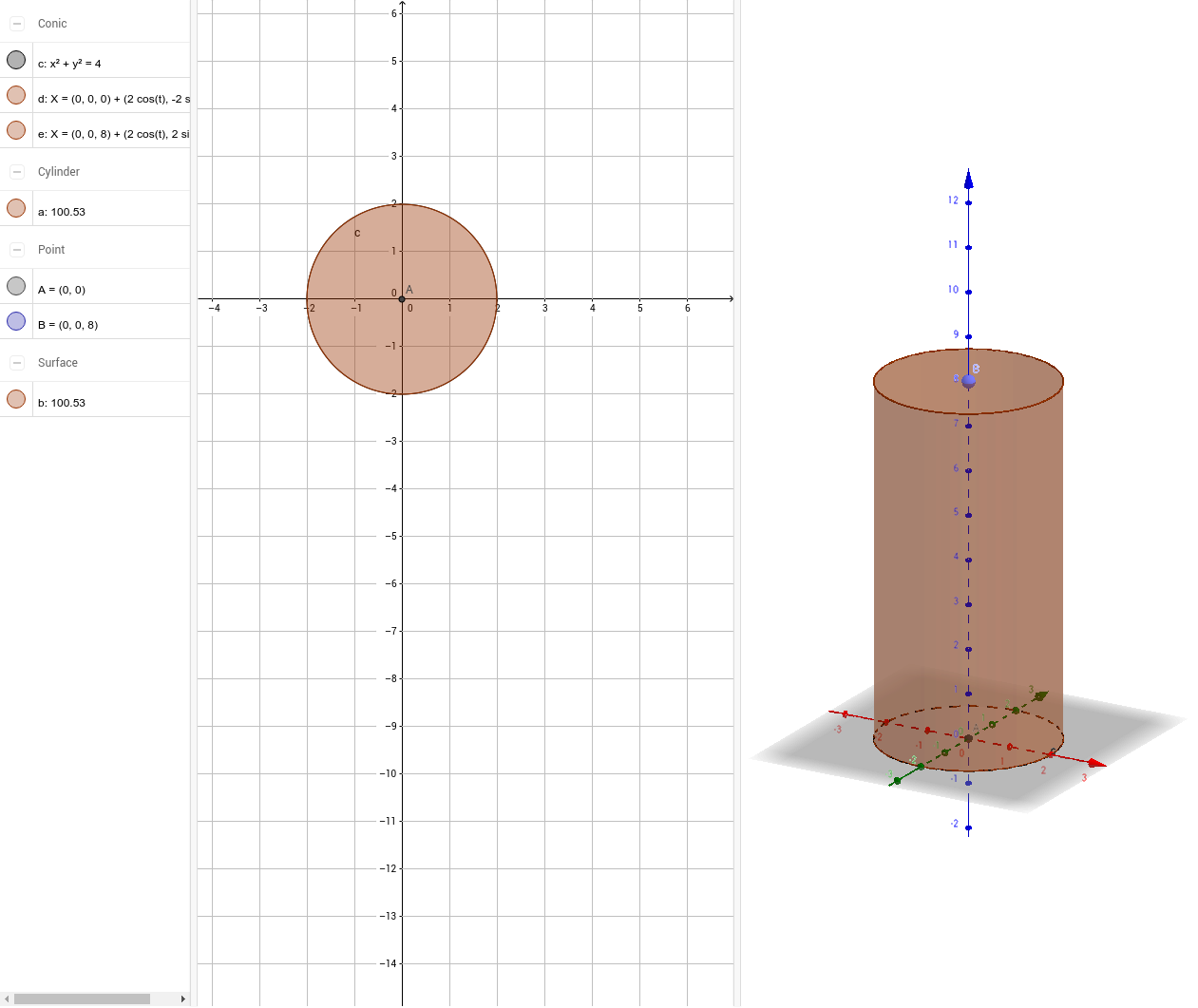
This example demonstrates the construction and properties of a cylinder using GeoGebra commands, involving core mathematical concepts like solid geometry, matrices, linear programming, and optimization. Key GeoGebra commands and objects used include Intersect, Circle, Point, and Cylinder. Suitable for high school and above students studying solid geometry, matrix applications, and optimization problems.
GeoGebra Commands & Parameters
Intersect(xAxis, yAxis) → ACircle(A, 2) → cPoint(zAxis) → BCylinder(A, B, 2) → a, d, e, b
AI Drawing Prompt Reference
Draw a cylinder by first finding the intersection point of the coordinate planes, then drawing a circle centered at this point with a radius of 2, locating a point on the z-axis, and finally constructing the cylinder using the circle and the point to demonstrate its geometric shape.
The prompt above was compiled from the original drawing commands and is for reference only.