
Cylinder Area and Volume: Interactive Exploration
Loading the math board and drawing, please wait…
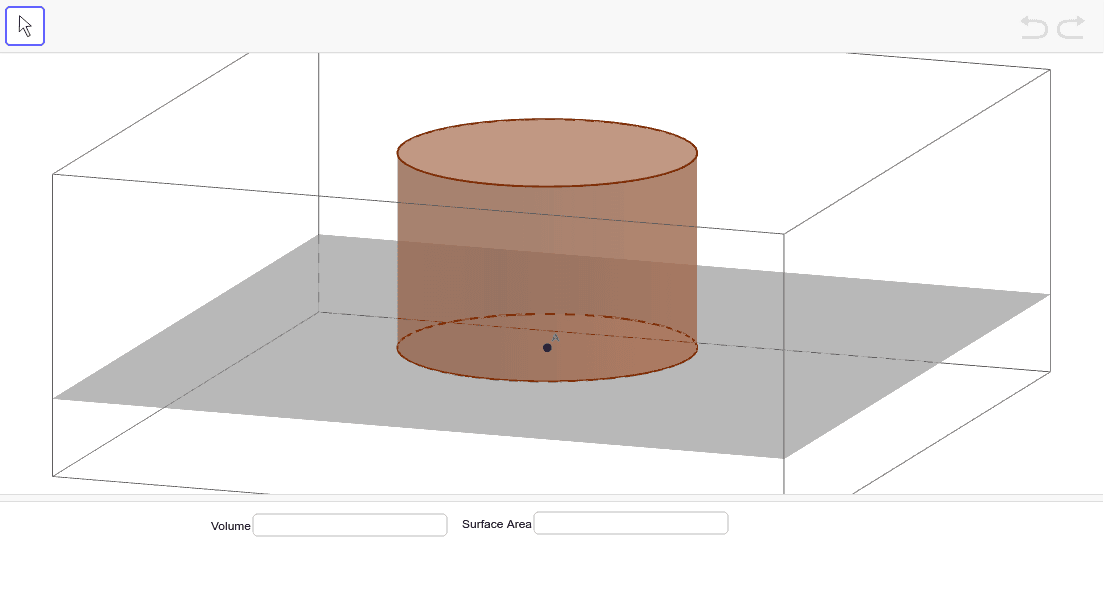
This GeoGebra example demonstrates the surface area and volume of a cylinder through an interactive dynamic model. Users can adjust the radius (r) and height (h) to see real-time updates of the base area, lateral surface area, total surface area, and volume. Core mathematical concepts include cylinder geometry, area and volume formulas, and functional relationships between variables. Construction highlights: the Circle command creates the base, Cylinder generates the 3D solid, Textfield and InputBox allow parameter input, Area computes areas, and variables like totalArea, sa, v store results, with correctVol and correctArea for verification. Suitable for middle school geometry lessons or introductory college mathematics, this example aids in visualizing formula derivation and dynamic changes in solid geometry.
GeoGebra Commands & Parameters
Circle(A, r) → cCylinder(c, h) → a, d, bTextfield() → InputBox1Textfield() → InputBox2Area(c) → e
AI Drawing Prompt Reference
Draw a cylinder with a circular base whose radius can be adjusted and a height that can be changed. Show the base area, lateral surface area, total surface area, and volume. Use sliders to adjust the radius of the circle and the height of the cylinder, updating the areas and volume in real time. Create a circle, then generate the cylinder using this circle and the height defined by the slider. Add input boxes for users to enter the radius and height, and calculate and display the corresponding areas and volume.
The prompt above was compiled from the original drawing commands and is for reference only.