
Copy a Line Segment
Loading the math board and drawing, please wait…
In collections
Basic Constructions
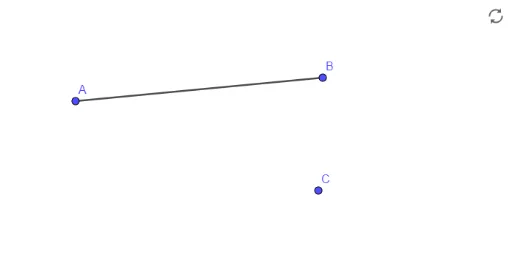
This example demonstrates how to accurately copy a line segment in a linear geometric environment. It involves core mathematical concepts such as line segments and coordinate geometry. Key construction steps include using the Segment command to create segments A, B, defining a function f, and then using the Segment command again to draw segment C. It is suitable for middle school students and above learning basic geometric construction skills.
GeoGebra Commands & Parameters
Segment(A, B) → f
AI Drawing Prompt Reference
In a coordinate plane, first place two points to define the endpoints of a line segment, then draw a straight segment connecting them. Next, choose a new point elsewhere as the starting point, and from it draw another segment with the same length and direction as the original, resulting in two congruent parallel segments at different locations.
The prompt above was compiled from the original drawing commands and is for reference only.