
Copy a Line Segment and an Angle, Then Bisect an Angle
Loading the math board and drawing, please wait…
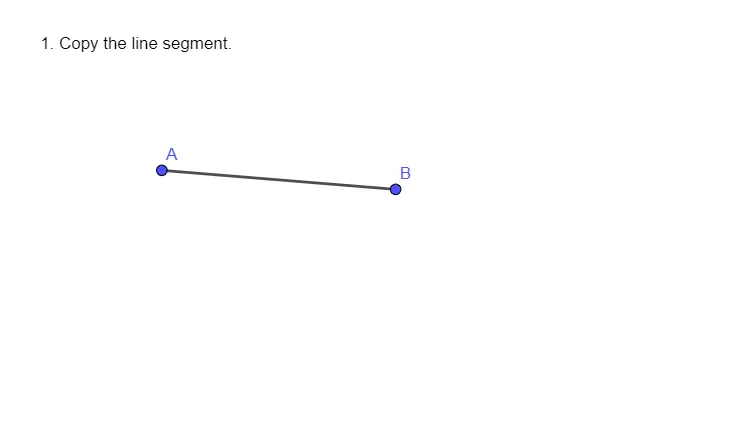
This GeoGebra activity demonstrates how to copy a given line segment and a given angle, and then bisect another specified angle. It focuses on constructing congruent geometric objects using classical tools: the key ideas are line-segment congruence, angle congruence, and the geometric meaning of an angle bisector (dividing an angle into two equal angles). The construction workflow is supported by GeoGebra objects and commands: the build step uses the command “Segment” to create the line segment (e.g., defined via points such as A and B), while annotation/labeling (e.g., text1) and other referenced objects (e.g., f) help structure the interactive diagram for the copying and bisecting steps. Suitable for middle and high school geometry instruction and for students practicing formal geometric constructions.
GeoGebra Commands & Parameters
Segment(A, B) → f
AI Drawing Prompt Reference
Draw a line segment, then copy this segment, next draw and copy an angle, and finally bisect another angle to demonstrate the geometric meaning of segment congruence, angle congruence, and the angle bisector, completing the steps in order and labeling key parts.
The prompt above was compiled from the original drawing commands and is for reference only.