
Constructing Inscribed Square, Hexagon, and Equilateral Triangle in a Circle
Loading the math board and drawing, please wait…
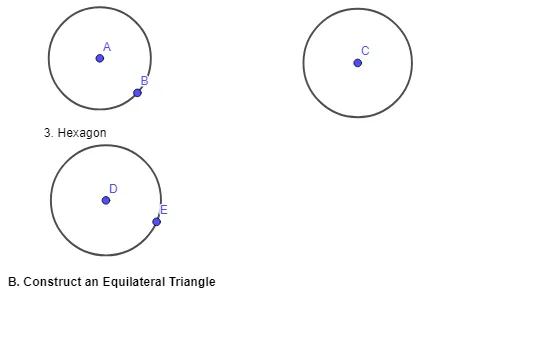
This activity demonstrates how to inscribe a square, a hexagon, and an equilateral triangle inside a given circle. It highlights the geometric relationships between a circle and its inscribed regular polygons, using ideas like dividing the circumference into equal parts and leveraging angle/vertex correspondence. The construction workflow centers on creating the given circle with the GeoGebra command “Circle”, then using key points and labeled objects (e.g., text1–text5 and points A, B, C, D, E together with auxiliary objects c, d, e) to define the vertices that determine each inscribed shape. Suitable for middle/high school geometry lessons focused on geometric construction and regular polygon properties, and useful for guided practice or classroom demonstration.
GeoGebra Commands & Parameters
Circle(A, B) → cCircle(C, 1.4132232661543607) → dCircle(D, E) → e
AI Drawing Prompt Reference
Draw a circle, then inscribe a square, a hexagon, and an equilateral triangle inside it. Start by drawing the circle, then divide the circumference into equal parts to determine the vertices of each inscribed shape. The square is formed by 4 equal divisions, the hexagon by 6, and the equilateral triangle by 3.
The prompt above was compiled from the original drawing commands and is for reference only.