
Construct Equilateral Triangle Inscribed in a Circle
Loading the math board and drawing, please wait…
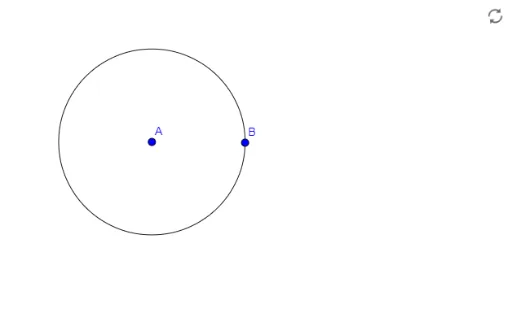
This example demonstrates how to construct an equilateral triangle inscribed in a given circle. The core mathematical concepts involve the properties of circles, the relationship between central angles and arcs, and the symmetry of equilateral triangles. Using GeoGebra's Circle command, a circle is created, and objects E, A, B, and slider c are employed to select three equally spaced points on the circumference, forming a perfect inscribed equilateral triangle. It is suitable for middle school geometry lessons and high school mathematical modeling courses.
GeoGebra Commands & Parameters
Circle(A, Segment[A, B]) → c
AI Drawing Prompt Reference
Draw a given circle in the plane. Then choose three points on the circumference that are equally spaced around the circle, so their central separation is the same for each consecutive pair. Connect the three points to form an equilateral triangle inscribed in the circle. Show the circle and the three triangle sides, emphasizing that all triangle vertices lie on the circle and are symmetric by equal arc spacing.
The prompt above was compiled from the original drawing commands and is for reference only.