
Construct a Segment Through a Point Parallel to a Given Segment
Loading the math board and drawing, please wait…
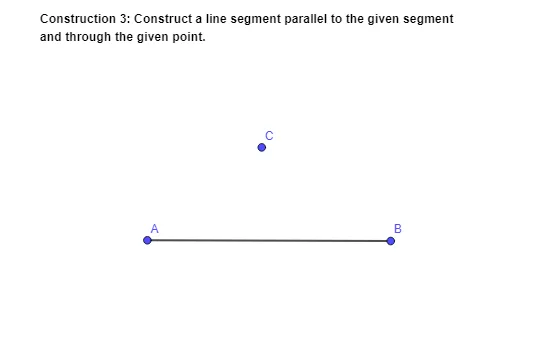
This example demonstrates a straightedge-and-compass style geometric construction: building a line segment through a specified point that is parallel to a given segment. The key mathematics concepts are parallelism in Euclidean geometry and stepwise geometric construction methods. By creating the segment that shares the same direction as the original segment relative to the target point, the diagram makes the parallel relationship visually and structurally verifiable. From the provided GeoGebra construction summary, the construction relies on the command Segment to create the needed segment geometry, together with objects such as the labeled text1 and points A, B, and C, plus the auxiliary entity f used to support intermediate relationships. Suitable for middle to high school geometry lessons and interactive classroom demonstrations focused on parallel lines and formal construction techniques.
GeoGebra Commands & Parameters
Segment(A, B) → f
AI Drawing Prompt Reference
Create a straightedge-and-compass style construction diagram. Start with two points A and B and draw the given segment AB. Mark a specified point C. Then, using AB as the direction reference, construct a segment through point C that is parallel to AB. Include the necessary auxiliary geometric elements to support the intermediate relationships, so the resulting segment at C clearly shares the same direction as the original segment AB and the parallelism is visually verifiable.
The prompt above was compiled from the original drawing commands and is for reference only.