
Construct a Parallel Line Through a Point (Classic Construction)
Loading the math board and drawing, please wait…
In collections
Integrated Math Constructions
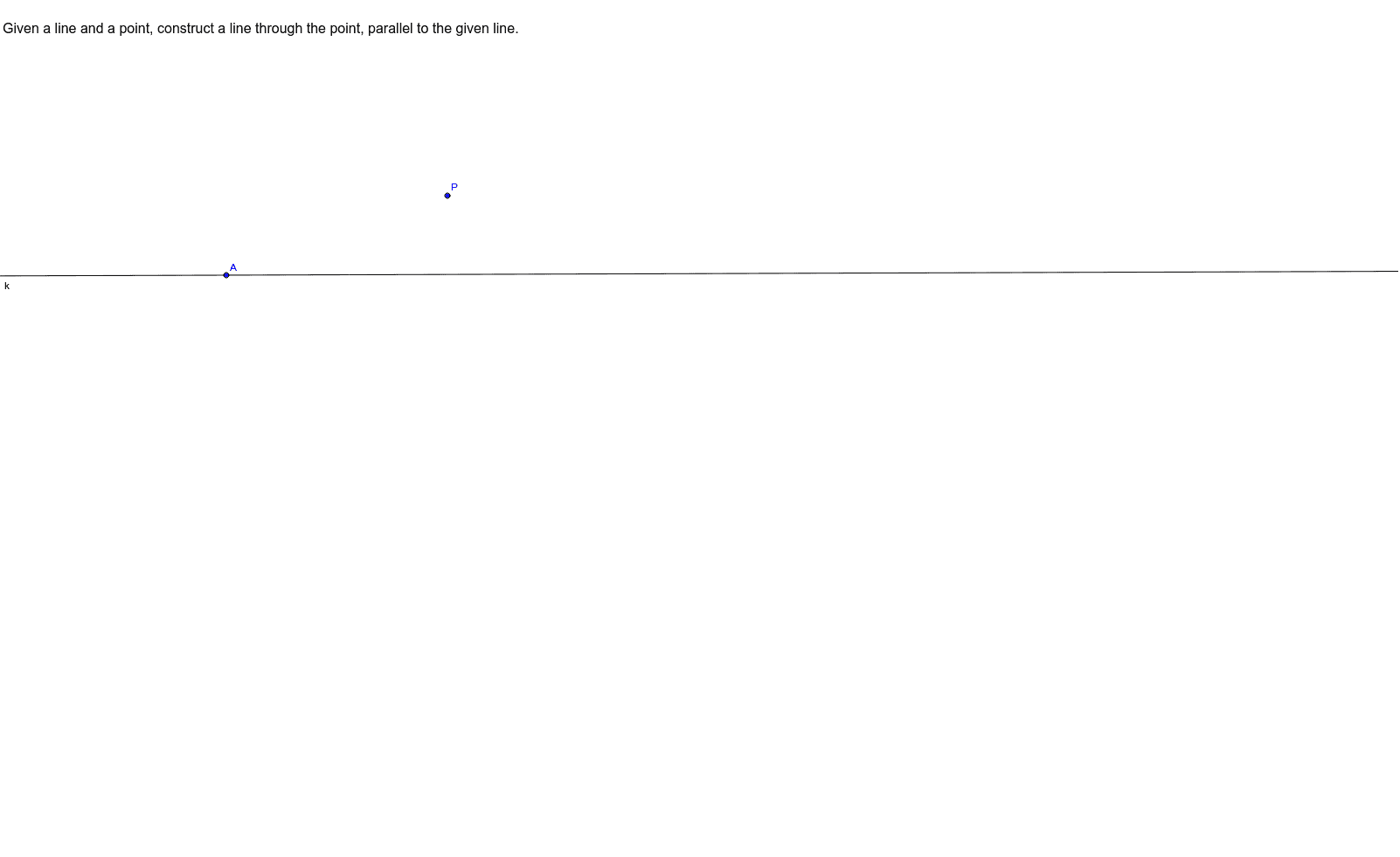
① This example demonstrates how to construct a line through a given point that is parallel to a given line, a fundamental geometric construction. ② The core mathematical concepts involve the properties of parallel lines, angle relationships (such as corresponding or alternate interior angles), and the use of similar triangles to justify the construction. ③ Construction details: Based on the summary, the GeoGebra commands include the Line command, with objects such as text1 (likely a label), point A, point P_1, line k, and point P. The construction likely uses the parallel line tool or constructs equal angles to ensure parallelism. ④ This is suitable for middle school geometry lessons, introductory compass-and-straightedge constructions, and dynamic geometry exploration in GeoGebra, helping students understand the logical steps behind constructing parallel lines.
GeoGebra Commands & Parameters
Line(A, P_1) → k
AI Drawing Prompt Reference
Draw a given straight line and mark a point outside it. Construct a new line passing through that point and parallel to the given line. To do this, first identify two points on the given line and connect them to form the line. Then place the external point, and draw the parallel line through it by ensuring corresponding angles are equal. The final figure should show the original line, the external point, and the new parallel line, with a label indicating the parallel relationship.
The prompt above was compiled from the original drawing commands and is for reference only.