
Completing the Square (Part 1): Visual Decomposition into a Perfect Square
Loading the math board and drawing, please wait…
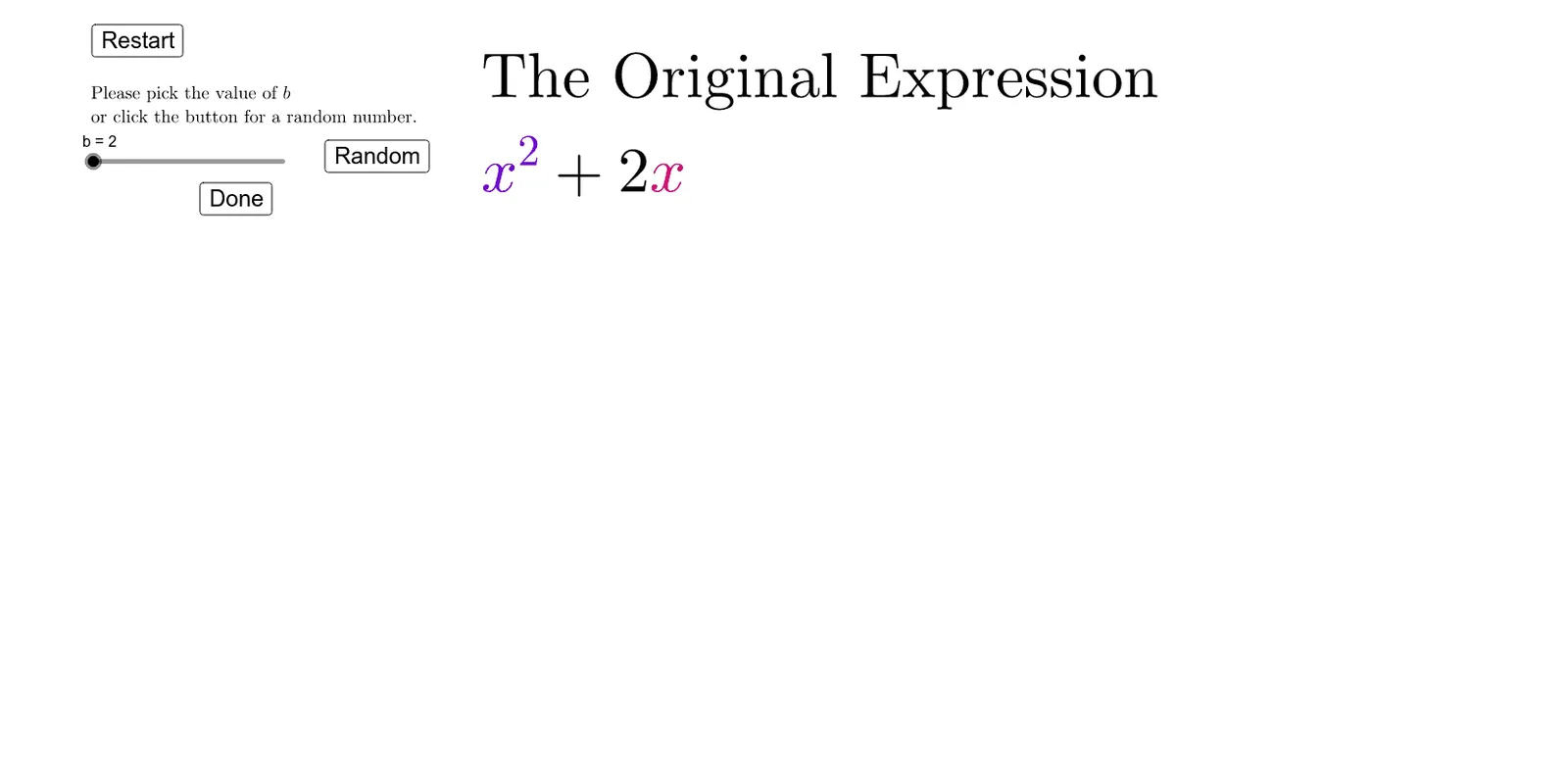
This example demonstrates the key idea of completing the square using an interactive geometric decomposition: it visually transforms a quadratic expression into an equivalent perfect-square form by matching the relationships between segment lengths (or areas). The mathematical concepts include completing the square for quadratic expressions, the perfect-square identity, and the algebraic equivalence of ax^2+bx+c with a(x−h)^2+k, linked to geometric interpretation. Construction highlights from the GeoGebra commands and objects: Polygon is used to draw the subdivided polygon regions that represent the quadratic pieces and the “added/removed” square components; Sequence generates or updates critical points/stepwise parameter changes; Textfield provides dynamic labels for coefficients and intermediate values; and interactive controls (buttons) tied to parameters (e.g., a, b, c and derived quantities) together with coordinate/axis-aligned elements (hori/vert) support the step-by-step visual completion process. Suitable for middle and high school algebra instruction and for teachers or students exploring why the vertex form of a quadratic comes from completing the square in a dynamic geometry setting.
GeoGebra Commands & Parameters
Polygon((0, 0), (x1, 0), (x1, x1), (0, x1)) → Poly1, f, g, h, iSequence(Polygon[(0, x1 - 1 + i), (x1, x1 - 1 + i), (x1, x1 + i), (0, x1 + i)], i, 1, b / 2) → horiSequence(Polygon[(x1 - 1 + i, 0), (x1 + i, 0), (x1 + i, x1), (x1 - 1 + i, x1)], i, 1, b / 2) → vertTextfield(c) → inputBox1Sequence(Sequence[Polygon[(x1 - 1 + i, x1 - 1 + j), (x1 + i, x1 - 1 + j), (x1 + i, x1 + j), (x1 - 1 + i, x1 + j)], i, 1, b / 2], j, 1, b / 2) → addTextfield(fx2) → inputBox2
AI Drawing Prompt Reference
Draw the geometric decomposition of a quadratic expression ax^2 + bx + c by first drawing a square and then decomposing it into a perfect square form by adding and removing smaller squares. Use the polygon tool to draw the initial square and a sequence of smaller squares, dynamically changing the shape by adjusting the value of b/2.
The prompt above was compiled from the original drawing commands and is for reference only.