
Combining Events: Interactive Probability and Logic
Loading the math board and drawing, please wait…
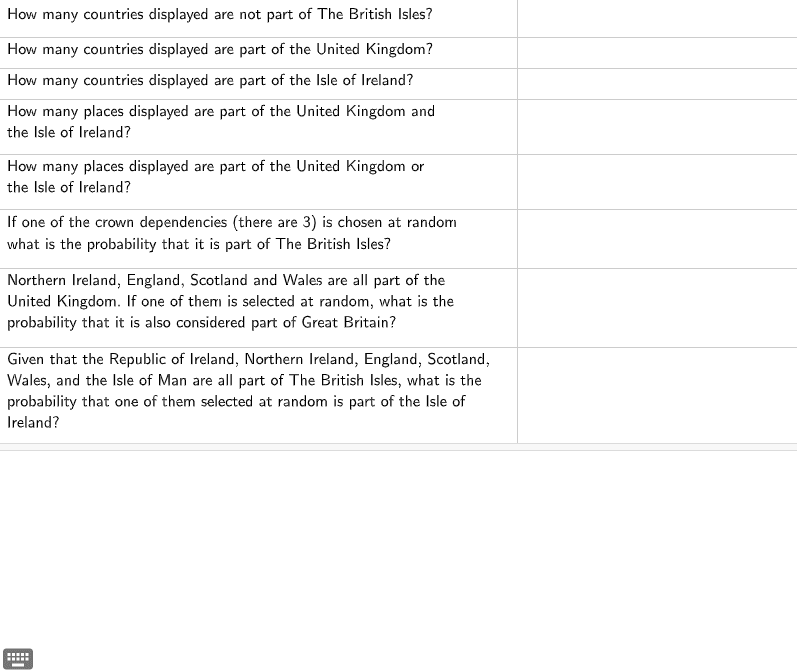
This GeoGebra example demonstrates how to combine multiple events interactively, visualizing fundamental operations in probability theory such as union, intersection, and complement of events, along with their logical counterparts (AND, OR, NOT). The core mathematical concepts include sample space, event combination, probability calculation, and the correspondence between set operations and logical connectives. The construction uses objects A1 through A8, each representing a distinct event or set region, likely depicted as geometric shapes (e.g., rectangles, circles, or filled areas) to illustrate overlaps and inclusions. By manipulating these objects, users can explore how combined events affect overall probabilities, reinforcing formulas like the addition rule and multiplication rule. This resource is ideal for high school or introductory college students studying probability and statistics, as well as for teachers seeking dynamic classroom demonstrations to clarify event relationships and logical reasoning.
AI Drawing Prompt Reference
Create a probability theory educational diagram with multiple geometric shapes representing different events, showing their union, intersection, and complement, along with the corresponding logical operators AND, OR, NOT. Use rectangles or circles that partially overlap to illustrate event combinations. Adjust the positions and sizes of the shapes to observe how event combinations affect overall probabilities and visualize the addition and multiplication rules.
The prompt above was compiled from the original drawing commands and is for reference only.