
Column Vectors for Translation
Loading the math board and drawing, please wait…
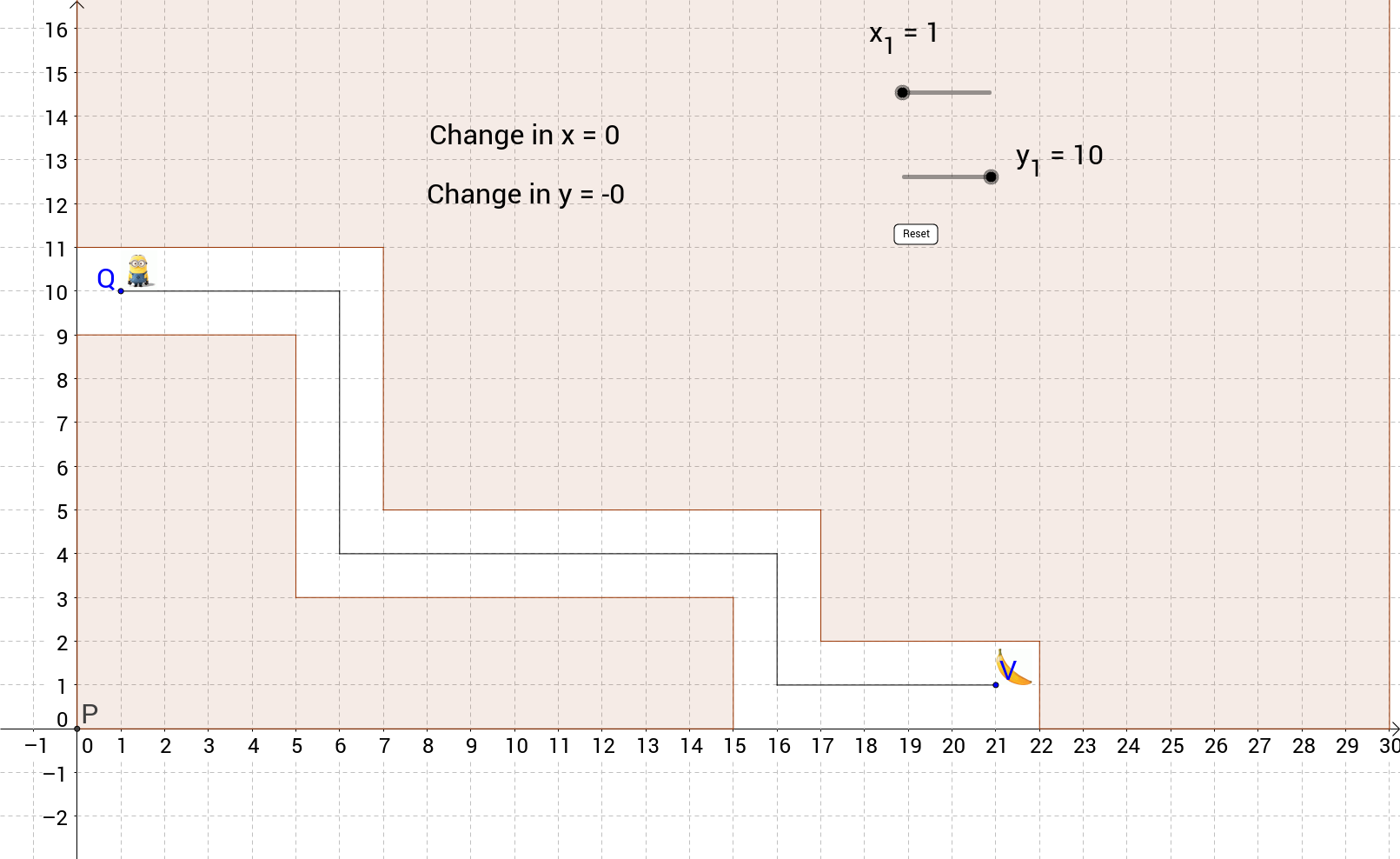
This example demonstrates how column vectors can be used to translate a plane figure, allowing users to drag points and see the shape move across the coordinate plane. The core mathematics includes vector representation, translation transformations, coordinate geometry, and vector addition. The GeoGebra construction employs commands such as Point, Polygon, Intersect, Segment, and Vector, creating objects like Z, R, y_1, x_1, A, B, etc., and uses vectors to connect start and end points for the translated shape. It is suitable for middle school or high‑school introductory geometry classes as a hands‑on tool for understanding vectors and transformations.
GeoGebra Commands & Parameters
Point(yAxis) → JPolygon(A, B, C, D, E, F, G, H, I, J) → poly1, a, j, b, c, d, e, f, g, h, iPoint(yAxis) → KIntersect(xAxis, yAxis) → PPolygon(K, L, M, N, O, P) → poly2, k, l, m, n, o, pSegment(Z, R) → qSegment(R, S) → rSegment(S, T) → sSegment(T, U) → tSegment(U, V) → a_1Vector(Q, V) → uIntersect(q, r) → W
AI Drawing Prompt Reference
Draw a plane figure with a point, a polygon, and a vector. The point is at the intersection of the axes, the polygon is made of multiple points, and the vector connects the start and end points of the polygon. The construction order is to draw the point first, then the polygon, then the vector, and finally connect the vector ends.
The prompt above was compiled from the original drawing commands and is for reference only.