
Circular Functions from the Unit Circle
Loading the math board and drawing, please wait…
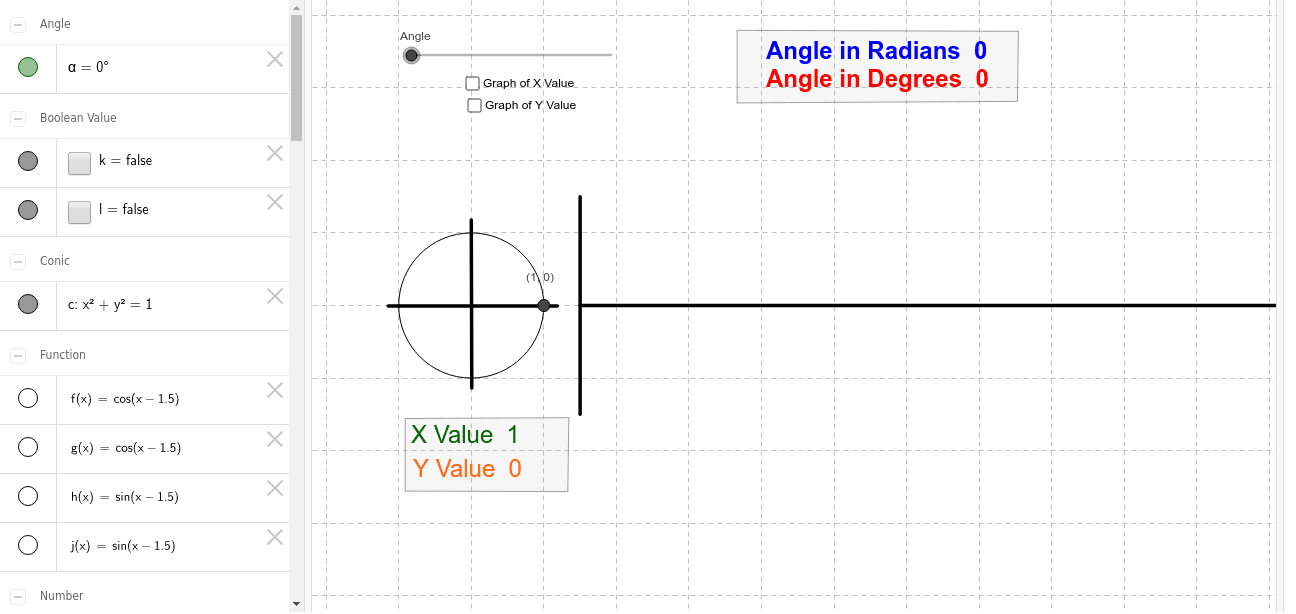
This example demonstrates how to generate sine and cosine functions from the unit circle. Key mathematical concepts include trigonometry. The construction uses Circle, Function, Angle, Segment, Polygon, etc., in GeoGebra.
GeoGebra Commands & Parameters
Intersect(xAxis, yAxis) → ACircle(A, 1) → cFunction(f, 1.5, x(C)) → gIntersect(c, xAxis, 2) → EAngle(E, A, B) → αFunction(h, 1.5, x(D)) → jSegment(F, G) → aSegment(I, H) → bSegment(A, B) → dSegment(J, K) → eSegment(L, M) → iPolygon(N, O, P, Q) → poly1, n_1, o, p, qPolygon(N_1, O_1, P_1, Q_1) → poly1_1, n_2, o_1, p_1, q_1
AI Drawing Prompt Reference
Draw a unit circle with point A as the center, and mark the intersection of the x-axis and y-axis as point A. Draw circle c with A as the center. Choose point B on circle c, draw line segment AB to form angle α. Choose point E on the x-axis, draw line segments AE and BE to determine the measure of angle α. Draw function g starting from B and ending at x(c). Choose points F and G on the x-axis, draw line segment FG to form line segment a. Choose points I and H on the x-axis, draw line segment IH to form line segment b. Draw line segment AB to form line segment d. Draw line segment J and K to form line segment e. Draw line segment L and M to form line segment i. Draw quadrilateral NOPQ and N_1O_1P_1Q_1.
The prompt above was compiled from the original drawing commands and is for reference only.