
Circle Area & Circumference Activity
Loading the math board and drawing, please wait…
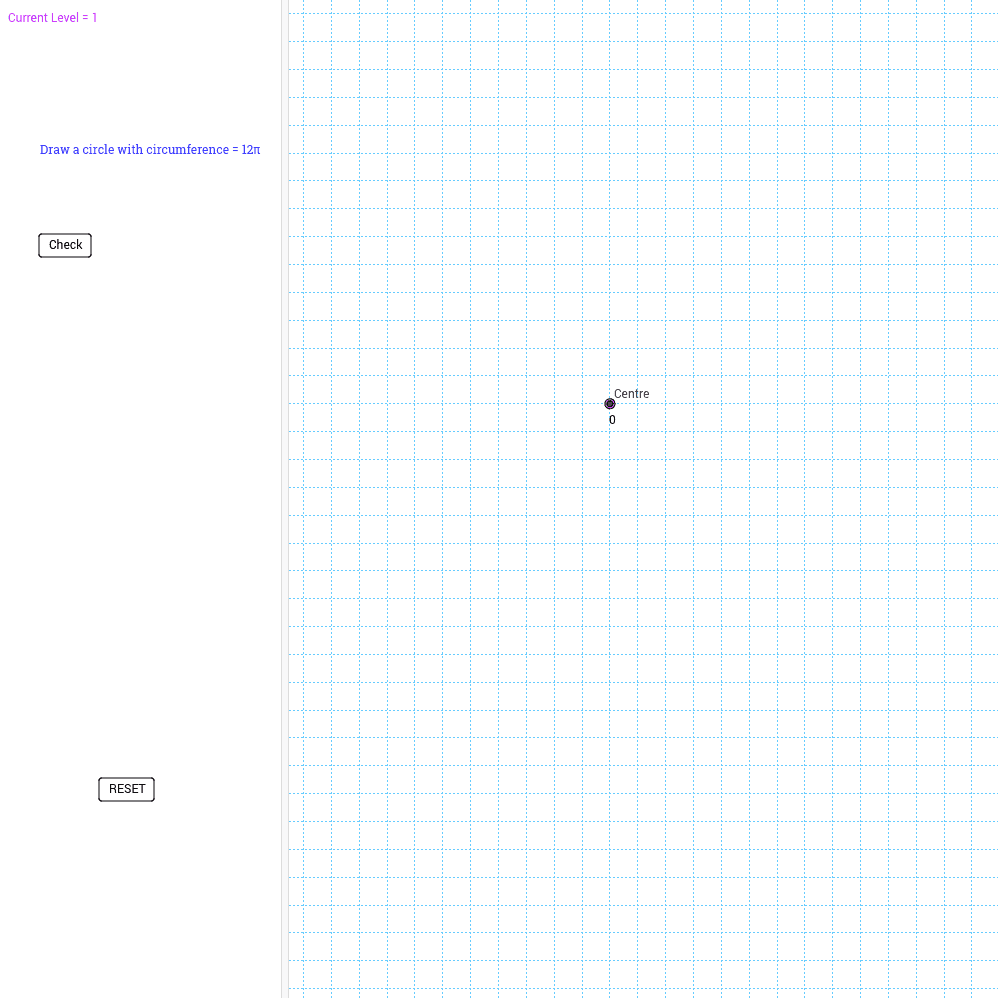
This example demonstrates how to create a leveled activity in GeoGebra for calculating areas and circumferences of circles. It involves core math concepts like circle area and circumference formulas, geometric constructions, and utilizes commands such as Circle, Intersect, Random, If, and Segment. Suitable for middle school and above, focusing on geometric calculation and construction skills.
GeoGebra Commands & Parameters
Circle(D, E) → eIntersect(xAxis, yAxis) → CentreCircle(Centre, A) → dRandom(1, 10) → rad1Circle(Centre, rad1) → cIf(c ≟ e, 10, 0) → checklv2If(c ≟ d, 10, 0) → checklv1Random(1, 2) → decisionSegment(C, B) → aRandom(1, 2) → decision2If(decision2 ≟ 1, "Draw a circle with area of " + area1 + "π", "Draw a circle with circumference = " + circumf1 + "π") → text2If(LevelCurrent ≟ 1, checklv1, checklv2) → check1Segment(Centre, A) → bIf(check1 ≟ 10, "Yes! Well Done. Click for next question.", "Bad Luck. Click to start again.") → text3If(LevelCount ≟ 5, "Well done, you've reached the next level.", "You need " + LevelRemain + " questions in a row to level up.") → text4Segment(E, F) → f