
Central and Axial Symmetry: Exploring Triangle Reflections
Loading the math board and drawing, please wait…
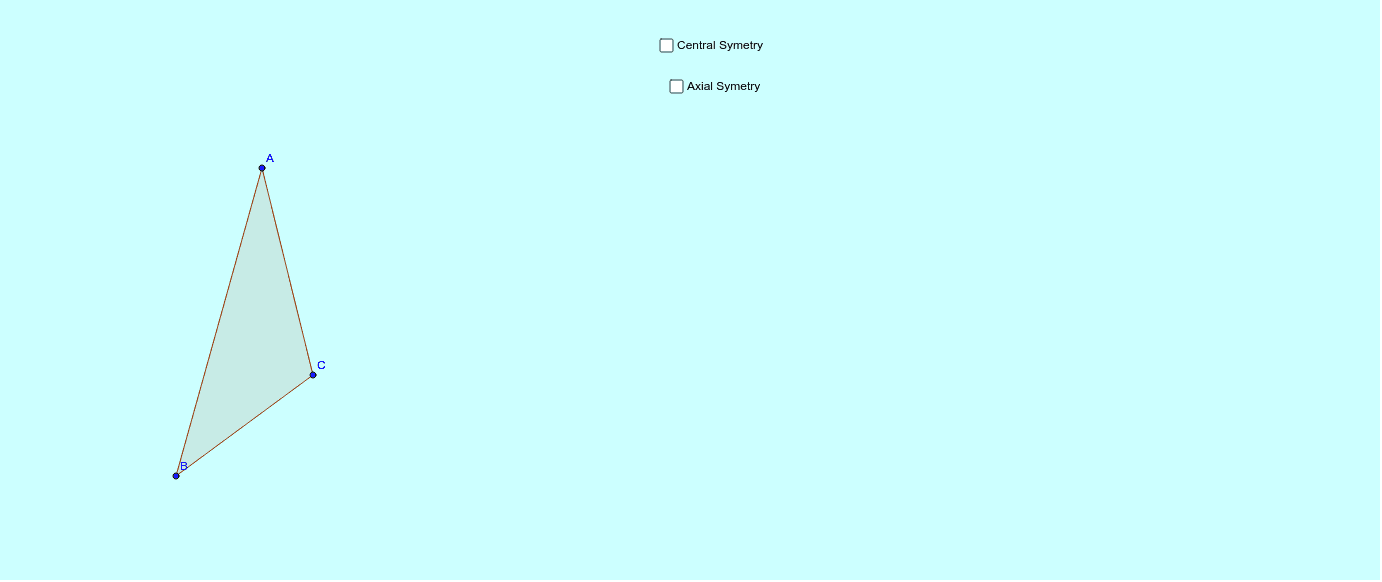
This interactive applet demonstrates the reflection of a triangle under both central symmetry (point reflection) and axial symmetry (line reflection). It visually shows how a triangle maps to its mirror image across a point or a line, highlighting the correspondence between original vertices and their images. Core mathematical concepts include symmetry transformations, reflection properties, invariant distances, and the geometric relationship between a figure, its mirror, and the symmetry axis or center. The construction uses GeoGebra commands such as Polygon to create the original triangle poly1, Mirror to generate reflected triangles poly1' and poly1'_1 about a point D and a line c respectively, and Line/Segment to draw auxiliary axes and connecting segments. Additional points (A', B', C') and objects (a_1, b_1) are included to clarify vertex correspondences. Suitable for middle school to high school students learning geometric transformations, and useful for teachers demonstrating symmetry concepts in class.
GeoGebra Commands & Parameters
Polygon(A, B, C) → poly1, c, a_1, b_1Mirror(A, D) → a_3Mirror(B, D) → B'Mirror(C, D) → C'Polygon(a_3, B', C') → poly1', c', a', b'Line(E, F) → dMirror(A, d) → A'_1Mirror(B, d) → B'_1Mirror(C, d) → C'_1Polygon(A'_1, B'_1, C'_1) → poly1'_1, c'_1, a'_1, b'_1Mirror(A, F) → A'_2Mirror(A, D) → A'Segment(A, A') → eSegment(B, B') → fSegment(C, C') → gSegment(A, A'_1) → hSegment(C, C'_1) → iSegment(B, B'_1) → j
AI Drawing Prompt Reference
Draw a triangle and show its reflections about a point and a line. First, construct the original triangle. Then, reflect its three vertices about a given point to obtain three image points, and connect them to form the point-reflected triangle. Next, draw a line as the axis of symmetry, reflect the original vertices about this line to get another set of image points, and connect them to form the line-reflected triangle. Finally, draw dashed segments connecting each original vertex to its corresponding image point to indicate the correspondence, and keep the center, axis, and auxiliary lines visible.
The prompt above was compiled from the original drawing commands and is for reference only.