
Building an Equilateral Triangle Inside a Circle (Lesson 4 Cool Down)
Loading the math board and drawing, please wait…
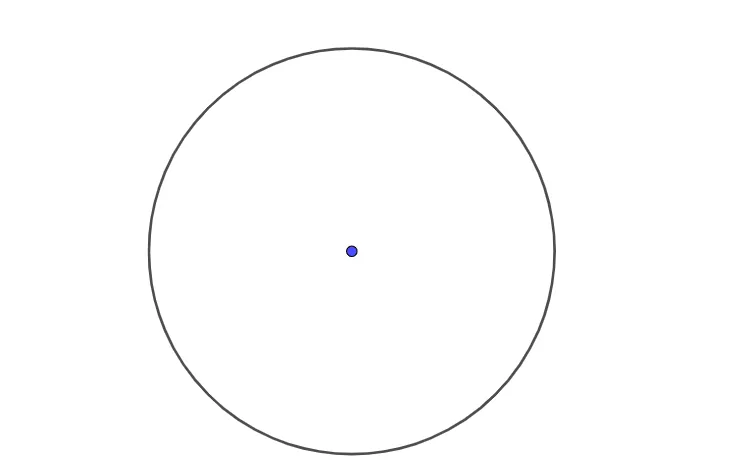
This example demonstrates a construction challenge: how to build an equilateral triangle constrained by a circle, reflecting the “I’m stuck in a circle—help!” scenario. Key ideas include circle geometry (circle, chord/points on a circle), the defining properties of an equilateral triangle (all sides equal and the associated angle constraints), and the classical geometric-construction approach. The construction is reflected in the GeoGebra commands/objects from the summary: it uses the Circle command to create a circle based on objects A, B, and the radius-related parameter c, then leverages the circle’s position constraints to locate the triangle’s defining points. Suitable for middle/high school geometry lessons and for learners practicing Euclidean construction techniques in GeoGebra.
GeoGebra Commands & Parameters
Circle(A, B) → c
AI Drawing Prompt Reference
Draw a circle and then construct an equilateral triangle inside it, ensuring all three vertices lie on the circle's circumference and all sides are of equal length to demonstrate the geometric construction of an equilateral triangle constrained by a circle.
The prompt above was compiled from the original drawing commands and is for reference only.