
Basic Geometric Constructions: Right Triangles and Sine Functions
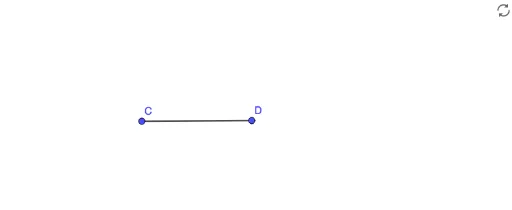
Loading the math board and drawing, please wait…
This GeoGebra example demonstrates how to construct basic geometric figures, focusing on the construction of right triangles. The core mathematical concepts include properties of right triangles, the definition of sine functions, and trigonometric ratios. Construction details: Using the Segment command to construct line segments between points A, B, C, and D to form a right triangle structure, with object f representing side lengths or angle information. This example is suitable for middle school students learning geometry fundamentals, as well as teachers demonstrating basic geometric construction techniques, helping learners master GeoGebra basics and triangle-related mathematical principles.
GeoGebra Commands & Parameters
Segment(C, D) → f
AI Drawing Prompt Reference
Draw a right triangle with one horizontal leg and one vertical leg, connected by a hypotenuse. Label the three vertices and add a segment from the right-angle vertex to a point on the hypotenuse, intersecting it. Use distinct colors or line styles for the legs, hypotenuse, and the auxiliary segment. Mark the right angle symbol and an angle label to illustrate the sine function. Keep the layout clear for educational demonstration.
The prompt above was compiled from the original drawing commands and is for reference only.