
Basic Coordinate Geometry: Intersection of Line and Circle
Loading the math board and drawing, please wait…
In collections
Phebe Tanner Translation Tessallation
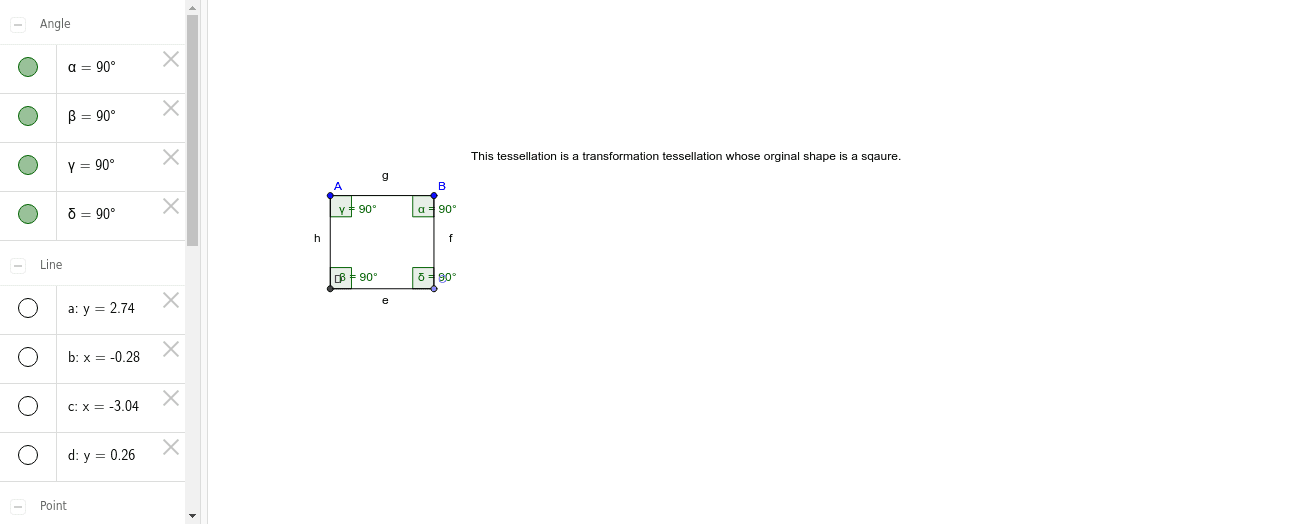
This example demonstrates how to use GeoGebra to draw the intersection points of a line and a circle. Key mathematical concepts include the equations of lines and circles in coordinate geometry. Using commands like Line, OrthogonalLine, Point, Intersect, Segment, and Angle, the intersection points can be constructed, and further analysis of angles and segments can be performed. Suitable for high school students studying coordinate geometry.
GeoGebra Commands & Parameters
Line(A, B) → aOrthogonalLine(B, a) → bOrthogonalLine(A, a) → cPoint(b) → COrthogonalLine(C, c) → dIntersect(c, d) → DSegment(D, C) → eSegment(C, B) → fSegment(B, A) → gSegment(A, D) → hAngle(A, B, C) → αAngle(C, D, A) → βAngle(D, A, B) → γAngle(B, C, D) → δ
AI Drawing Prompt Reference
Draw the intersection points of a line and a circle. First, draw a line a passing through points A and B. Then, draw two lines b and c that are perpendicular to line a and pass through points B and A, respectively. On line b, take point C, and draw a line d that is perpendicular to line c and passes through point C. The intersection point D of lines c and d is the intersection point of the circle and the line. Next, draw segments connecting points D and C, C and B, B and A, and A and D. Finally, measure the angles formed by these segments.
The prompt above was compiled from the original drawing commands and is for reference only.