
Basic Constructions for Unit 1
Loading the math board and drawing, please wait…
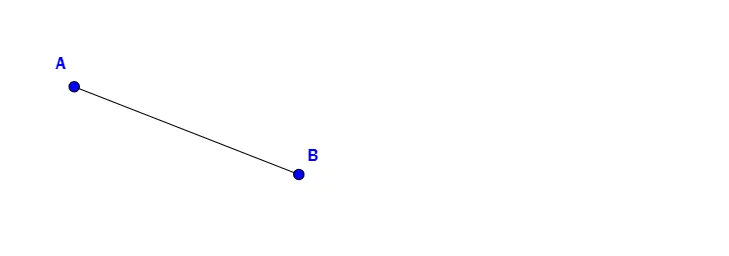
This example demonstrates how to perform basic geometric constructions using GeoGebra, focusing on constructing line segments. By defining points A and B and applying the Segment command, users can visually create line segments. The construction also incorporates parametric objects f and E to explore more complex relationships, making it suitable for teaching points, lines, and basic shapes in middle and high school geometry.
GeoGebra Commands & Parameters
Segment(A, B) → f
AI Drawing Prompt Reference
Draw a line segment from point to point and display the segment.
The prompt above was compiled from the original drawing commands and is for reference only.