
Triangle Construction and Angle Exploration on a Geoboard
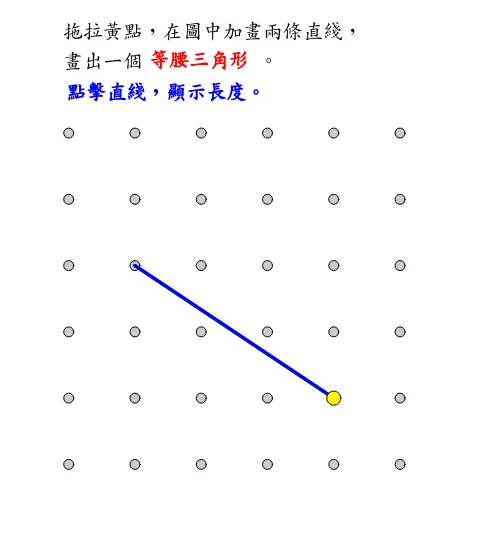
This GeoGebra example demonstrates how to construct triangles on a geoboard (nail board) and explore their geometric properties. Using the Sequence, Polygon, and Angle commands, users can select three vertices A, B, and C on the grid to form polygon poly1, with automatic calculation of side lengths (AB, BC, AC) and interior angles (α, β, γ, etc.). The example supports adjustable width and height parameters, allowing educators to customize the geoboard dimensions to suit different lesson objectives. A ruler tool is also available to assist in measuring and visualizing side lengths directly on the grid. This interactive applet is well suited for hands-on exploration of isosceles triangle classification, general triangle categorization (scalene, isosceles, equilateral), angle relationships within triangles, and coordinate geometry concepts. Students can drag the vertices around the grid to observe how changes in position affect side lengths and angle measures in real time, fostering an intuitive understanding of the relationship between a triangle's shape and its measurable properties. The dynamic nature of the construction encourages inquiry-based learning, as learners can hypothesize, test, and verify geometric conjectures independently. The combination of automatic measurement and visual feedback helps reinforce key theorems such as the triangle angle sum property and the triangle inequality. Teachers can use this applet as a classroom demonstration tool or assign it as a guided exploration activity, making it a versatile resource for both direct instruction and student-centered discovery learning in middle school and high school geometry courses.
In collections
Grade 3 Semester 2: Triangles (Teacher's Edition)
Grade 3 Semester 2: Triangles (Student Edition)
Loading the math board and drawing, please wait…