
Triangle and Inscribed Circle Geometric Construction
This GeoGebra example demonstrates the dynamic geometric construction of a triangle and its inscribed circle. Using commands such as Point, Vector, Segment, and Polygon, the basic triangle figure is constructed. The Sequence command generates point sets, Intersect finds intersection points, and Angle marks the interior angles (α, β, γ, δ). DynamicCoordinates enables dynamic coordinate control of points, while If conditional statements are used for logical judgment and graphic switching. This example is suitable for exploring the properties of a triangle inscribed circle, the intersection of angle bisectors, and the geometric relationships among various elements of a triangle. It serves as an interactive demonstration tool for both analytic geometry and plane geometry instruction, allowing students to visually investigate how the incenter is formed by the intersection of angle bisectors and how the inscribed circle remains tangent to all three sides as the triangle's vertices are moved dynamically.
In collections
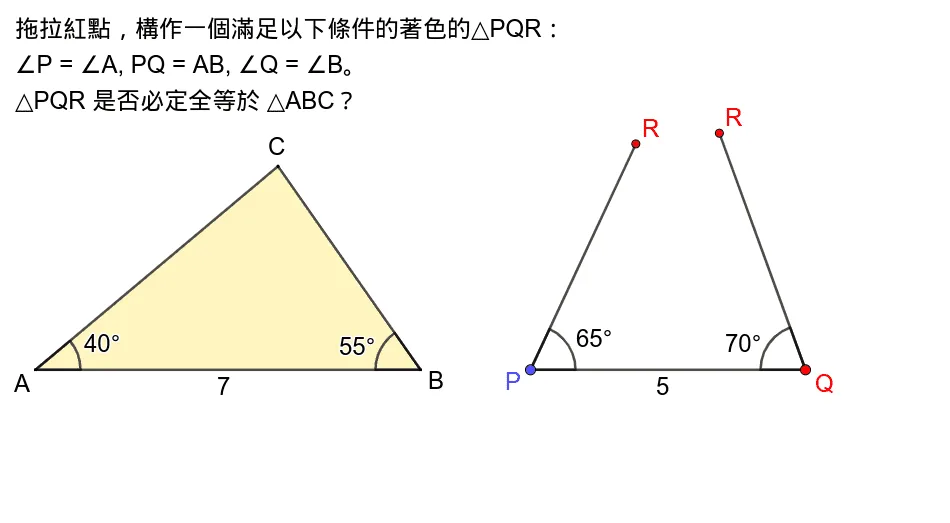
Exploring Triangle Congruence
Loading the math board and drawing, please wait…