
Basic Construction: Segment Command with Points A, B and Function f
Loading the math board and drawing, please wait…
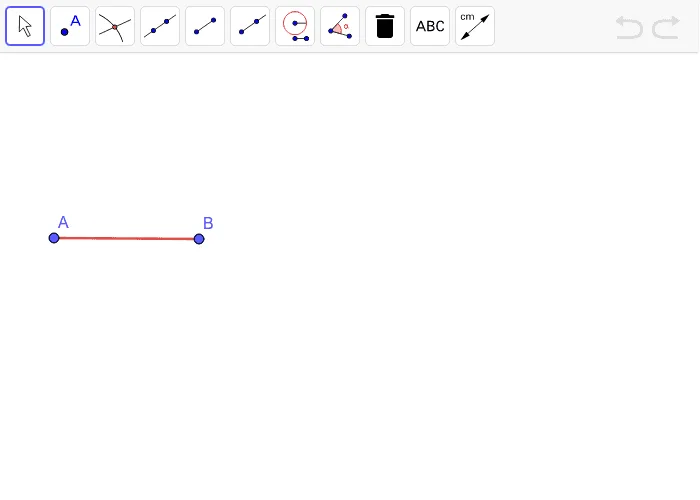
This GeoGebra example demonstrates the construction of a line segment connecting points A and B using the Segment command, while integrating function f to explore their positional relationships and symmetry in the coordinate plane. Core mathematical concepts include coordinate geometry, line segment definition, function-graph interaction, and symmetry. Construction points involve applying the Segment command to specify points A and B, and inputting function f for visualization. Suitable for middle school to high school mathematics, it helps students intuitively understand the connection between geometric construction and functional relationships.
GeoGebra Commands & Parameters
Segment(A, B) → f
AI Drawing Prompt Reference
Draw a coordinate plane with two marked points. Connect these two points with a straight line segment. Then plot a function curve on the same plane, so that the segment and the curve are both visible, allowing observation of their positional relationship and symmetry. The final image should clearly show the geometric construction alongside the function graph.
The prompt above was compiled from the original drawing commands and is for reference only.