
Baseball Throw: Parabolic Trajectory Simulation and Parameter Exploration
Loading the math board and drawing, please wait…
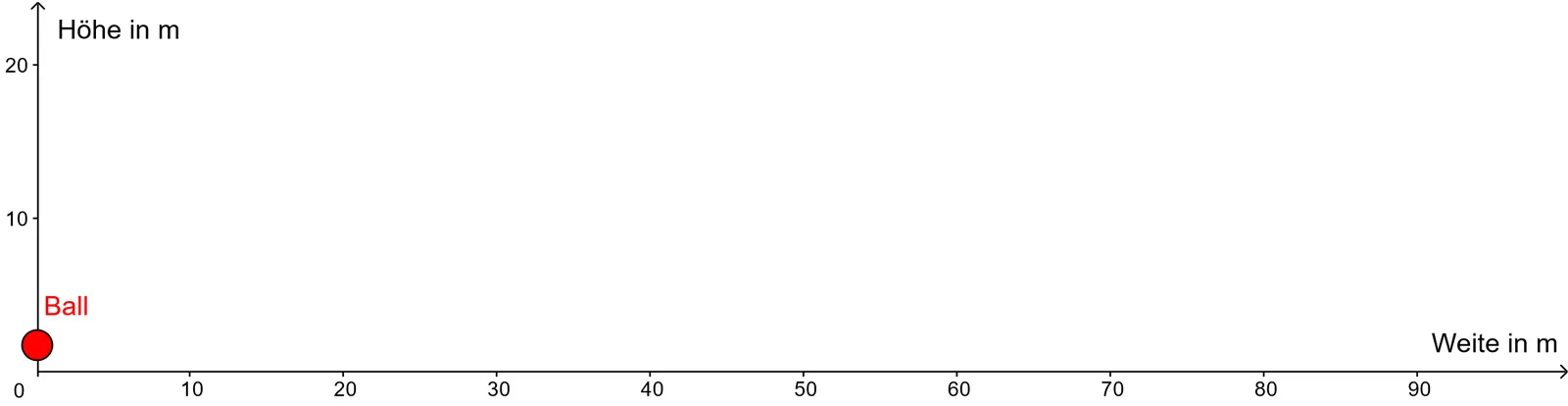
① This GeoGebra example dynamically simulates the flight path of a baseball (Schlagball) after being hit, visually demonstrating parabolic motion under gravity. ② Core mathematical concepts include quadratic functions (parabolic equations), the effect of parameter changes on graphs, linear functions (e.g., ground or reference lines), and combinatorial thinking via button interactions that trigger different parameter sets. ③ Construction highlights: uses the Intersect command to find points where the trajectory meets the ground or obstacles; objects include α (angle), c (constant term), v_0 (initial velocity), f (function), H (height), Graph_1 (trajectory graph), h (height variable), w (width), b (intercept), Ball (sphere), button1/button2 (interactive buttons), A/B (intersection points), Graph (graph), d (distance), a (quadratic coefficient), eq1 (equation), text1-text7 (text labels), etc. Sliders and buttons allow dynamic adjustment of parameters to observe changes in the parabola shape and landing point. ④ Suitable for middle and high school students learning quadratic functions, kinematics, and parametric modeling; also useful in physics classes for visualizing projectile motion, helping students understand relationships among initial velocity, launch angle, and range.
GeoGebra Commands & Parameters
Intersect(f, y = 0) → H
AI Drawing Prompt Reference
Draw a simulation of a baseball's parabolic flight path after being hit. The scene includes a downward-opening parabola representing the ball's trajectory under gravity, with its shape determined by initial velocity, launch angle, and a quadratic coefficient. A horizontal line below represents the ground, and the intersection point of the trajectory with the ground is marked as the landing spot. Adjustable sliders control the launch angle, initial velocity, and constant term, with the corresponding quadratic equation and values for height and distance displayed nearby. Two buttons allow switching between different parameter sets to observe changes in the parabola's shape and landing point. The overall style is educational, suitable for middle or high school physics or math classes.
The prompt above was compiled from the original drawing commands and is for reference only.