
Arranging Numbers in Ascending Order
Loading the math board and drawing, please wait…
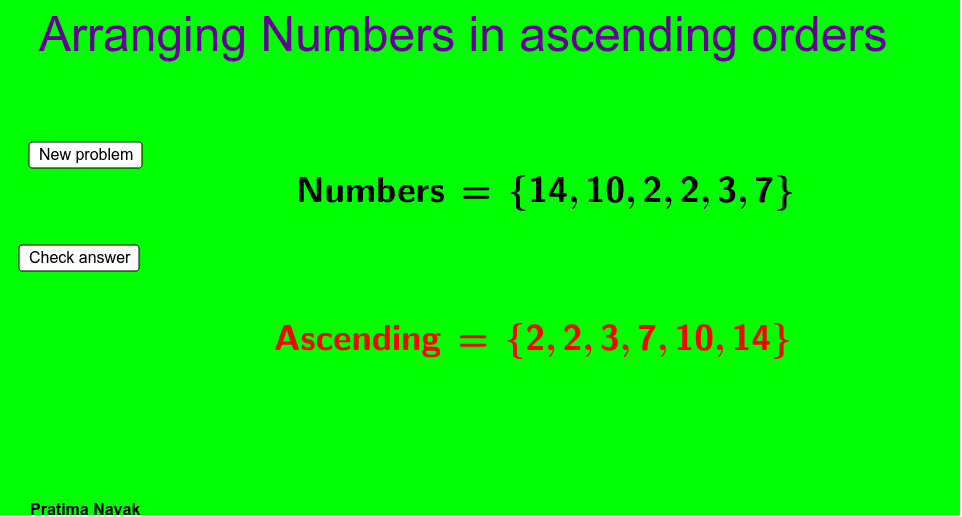
This example demonstrates how to use GeoGebra to sort randomly generated numbers in ascending order. It involves core mathematical concepts like sorting algorithms, random number generation, and statistics (mean, median). Key GeoGebra commands used include RandomElement, Random, LaTeX, Mean, Median, Sort, along with objects like buttons and text. Suitable for middle school and above, it serves as a visual aid for teaching mathematics and statistical concepts.
GeoGebra Commands & Parameters
RandomElement({1, 2, 3, 4}) → dRandom(10, 15) → aRandomElement({8, 2, 3, 5, 7}) → cRandom(2, 11) → bRandom(1, 9) → eRandom(3, 19) → fLaTeX(Numbers, true, true) → text1Mean(Numbers) → gMedian(Numbers) → hSort(Numbers) → AscendingLaTeX(Ascending, true, true) → text2
AI Drawing Prompt Reference
Display a set of randomly generated numbers, sorted in ascending order, with the mean and median calculated and displayed. First, generate multiple random numbers, then sort them in ascending order, and finally label the mean and median next to them using mathematical formulas.
The prompt above was compiled from the original drawing commands and is for reference only.