
Area Model Multiplication: Visual Proof via Rectangle Partitioning
Loading the math board and drawing, please wait…
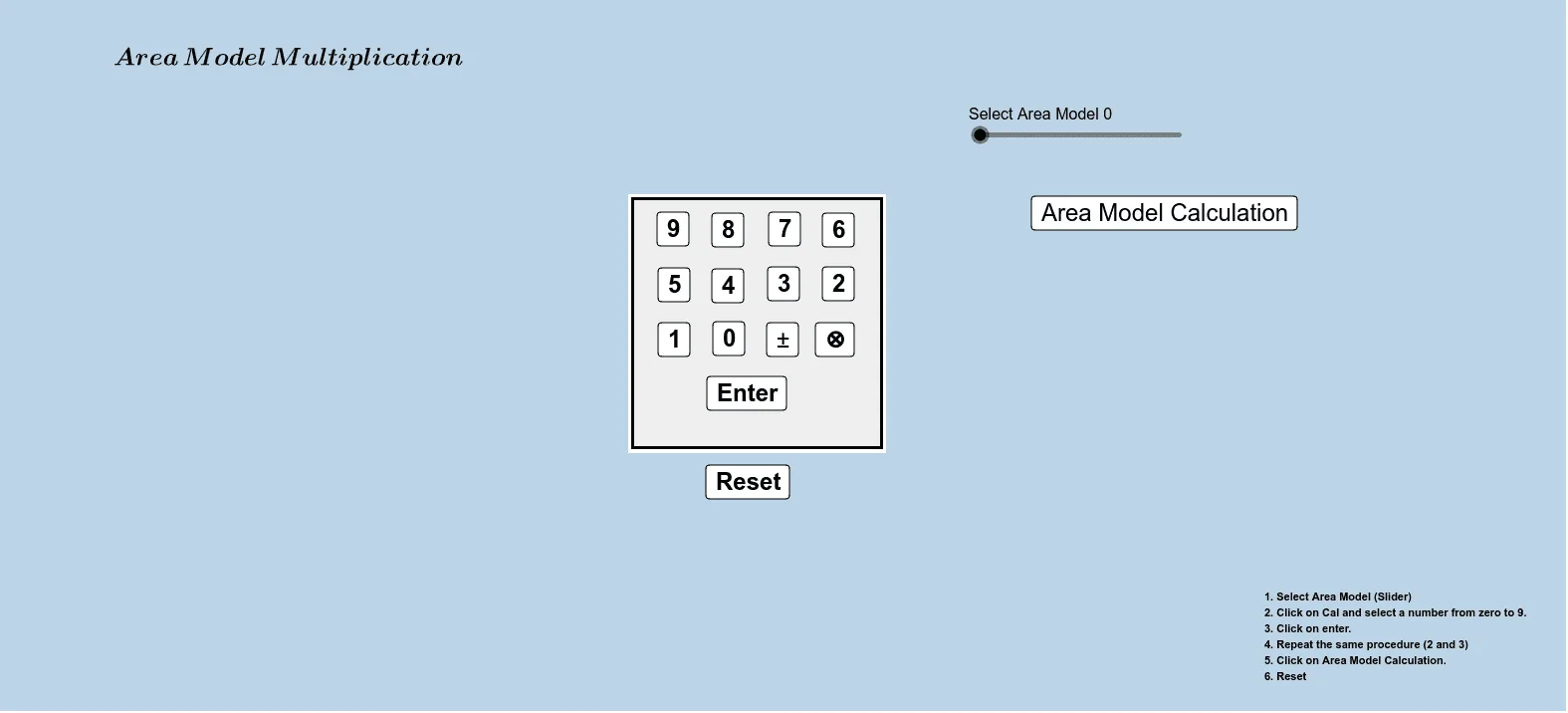
This example demonstrates multiplication using an area model: a rectangle is partitioned into smaller regions so that the product of quantities appears directly as an area (or sum of areas). The key ideas are the geometric meaning of multiplication through area, representing side lengths and areas with algebraic quantities, and interpreting relationships with graphical elements (as suggested by the original tags such as equations, functions, and graphing). Construction-wise, it relies on GeoGebra’s conditional logic (command: If) to control which objects/steps are active; it uses multiple defining points to lay out the partitioned shape (e.g., p_1, p_2, p_3, p_4, p_0) and a set of parameters and intermediate variables (a, b, c, d, n, n1–n4, plus additional control objects like e, l, q, o, w, L, L1) to parameterize dimensions and displayed regions. Several button objects (button1–button13) support switching scenarios or stepping through the construction. Suitable for middle to early high school learners, and effective for teaching “multiplication as area” before extending to broader connections with functions and graph-based reasoning.
GeoGebra Commands & Parameters
If(p_0 ≟ true, (-n), n) → n_0If(p_1 ≟ true, (-n1), n1) → n_1If(p_2 ≟ true, (-n2), n2) → n_2If(p_3 ≟ true, (-n3), n3) → n_3If(p_4 ≟ true, (-n4), n4) → n_4
AI Drawing Prompt Reference
Draw a rectangle partitioned into smaller regions using conditional controls to demonstrate multiplication as an area. Define side lengths and areas with parameters and variables, and use buttons to switch between different steps or scenarios, ultimately showing the product as a sum of areas.
The prompt above was compiled from the original drawing commands and is for reference only.