
Animation of Lines with Square and Rectangle by BUHARDEEN KANSOOR RAHMAN (2)
Loading the math board and drawing, please wait…
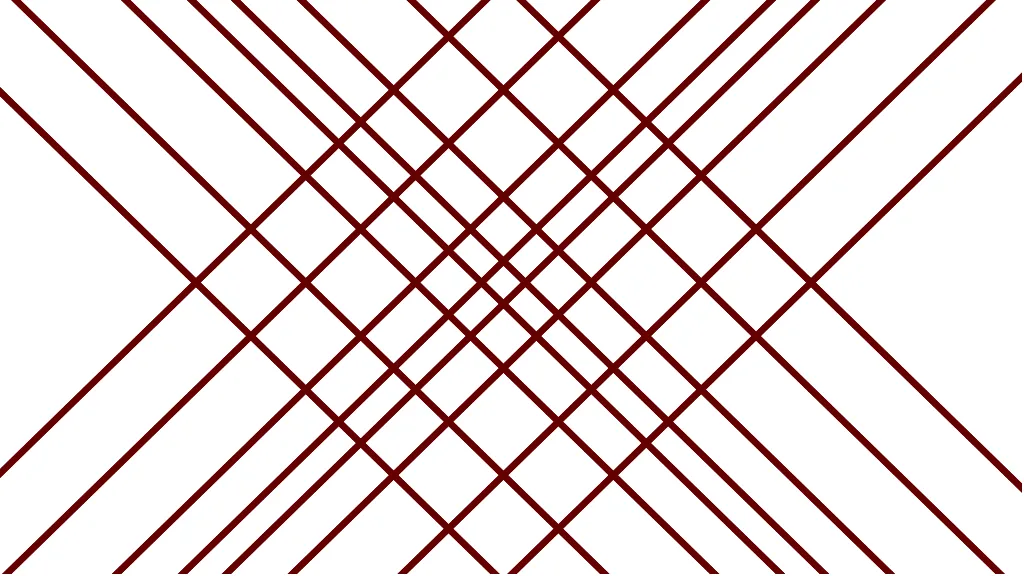
This example demonstrates drawing the lines y=x and y=-x, and controlling multiple points using a slider c, such as (c,c), (-c,c), (c,-c), (-c,-c), etc. Key mathematical concepts include straight lines, squares, and rectangles. GeoGebra commands like OrthogonalLine are used to create perpendicular lines, and the slider animation controls the position of points. Suitable for students at the junior high school level and above, focusing on coordinate geometry and geometric construction.
GeoGebra Commands & Parameters
OrthogonalLine(A, a) → dOrthogonalLine(D, b) → eOrthogonalLine(B, b) → fOrthogonalLine(C, a) → gOrthogonalLine(E, a) → hOrthogonalLine(F, b) → iOrthogonalLine(H, a) → jOrthogonalLine(G, b) → kOrthogonalLine(I, a) → lOrthogonalLine(J, b) → mOrthogonalLine(K, b) → nOrthogonalLine(L, a) → pOrthogonalLine(M, a) → qOrthogonalLine(N, b) → rOrthogonalLine(O, b) → sOrthogonalLine(P, a) → t
AI Drawing Prompt Reference
Draw the lines y=x and y=-x, and use a slider to control four points (c,c), (-c,c), (c,-c), (-c,-c). The points move as the slider changes, creating a dynamic figure. Key objects include these points and the lines, with construction order starting from the lines.
The prompt above was compiled from the original drawing commands and is for reference only.