
Animated Unit Circle by Josh Winicki
Loading the math board and drawing, please wait…
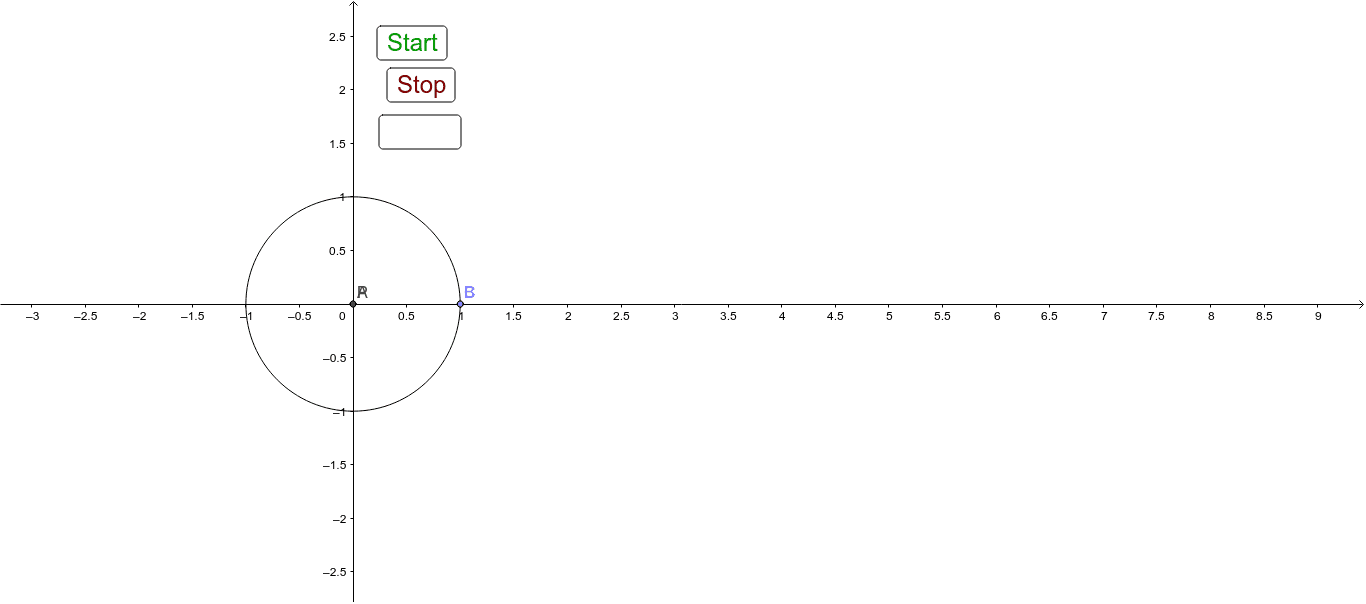
This example demonstrates the dynamic behavior of a unit circle, involving core math concepts like trigonometric functions, coordinate geometry, and geometric construction. It utilizes GeoGebra commands such as Intersect, Point, Circle, and CircleArc. Suitable for high school mathematics and introductory calculus education.
GeoGebra Commands & Parameters
Intersect(xAxis, yAxis) → APoint(xAxis) → BCircle(A, B) → cPoint(c) → CCircleArc(A, B, C) → d
AI Drawing Prompt Reference
Draw a unit circle by first finding the intersection of the x-axis and y-axis as the center, then taking a point on the x-axis as a point on the circle, drawing a circle with these two points as the diameter, and finally taking another point on the circle to form an arc.
The prompt above was compiled from the original drawing commands and is for reference only.