
Angry Birds Parabolic Throw GeoGebra Demo
Loading the math board and drawing, please wait…
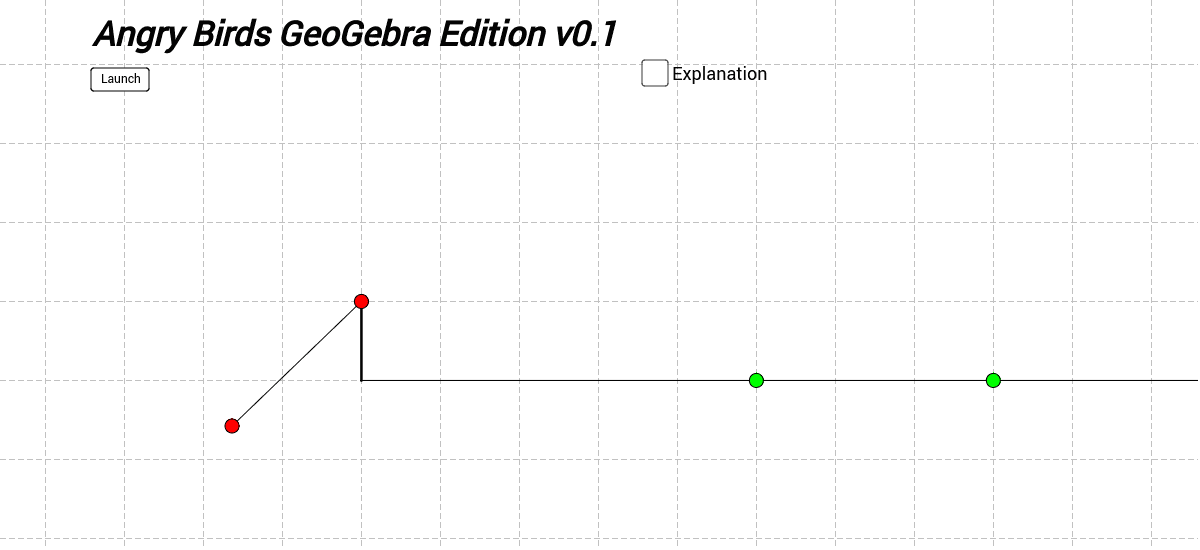
This example demonstrates parabolic motion and properties using the Angry Birds game context. It involves core math concepts like parabola, vector, function, trigonometry, and linear transformations. Construction uses commands like Intersect, Point, Vector, Segment, Function, Ray, Tangent, Translate, If. Ideal for high school physics and math classes to motivate students and explain oblique throw principles.
GeoGebra Commands & Parameters
Intersect(xAxis, yAxis) → APoint(yAxis) → BVector(C, B) → v_0Segment(A, B) → aSegment(B, C) → bIntersect(f, xAxis) → D, EFunction(f, 0, h) → f'Intersect(a, xAxis) → FPoint(xAxis) → GRay(F, G) → gPoint(g) → M_2Point(g) → M_1Tangent(P, f) → eVector(P, (x(P) + v'_x, y(P))) → v_xTranslate(v', P) → vVector(P, (x(P), y(P) + y(v))) → v_yIf(Distance[P, M_1] < 0.25, "Hit the pig 1!") → sz1If(Distance[P, M_2] < 0.25, "Hit the pig 2!") → sz2Vector(C, (x(C) + 2, y(C))) → uAngle(u, v_0) → α'
AI Drawing Prompt Reference
Draw a parabolic motion diagram with a parabola trajectory, a starting point, and a target point. The trajectory is a parabola, the starting point is at the lowest point of the parabola, and the target point is above the parabola. The trajectory intersects the horizontal line at two points, showing the symmetry of the parabola. A ray connects the starting point and target point, indicating the direction of the throw. The diagram illustrates the basic principles of parabolic motion.
The prompt above was compiled from the original drawing commands and is for reference only.