
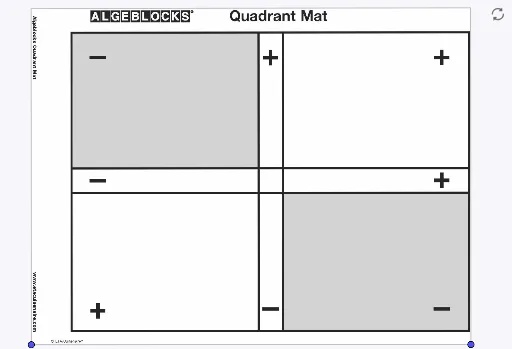
Algeblocks Quadrant Mat
Loading the math board and drawing, please wait…
This example demonstrates the graphical method of using quadrant matrices for algebraic operations and polynomial manipulations. It involves core math concepts like algebra, division, integers, multiplication, polynomial functions, confidence intervals, line segments, centroids, conic sections, and logarithmic functions. The construction uses GeoGebra commands such as stroke1, BasicMat, C, D, and pic2. Suitable for high school mathematics students and teachers for instructional demonstration and concept comprehension.
GeoGebra Commands & Parameters
PolyLine[(NaN,NaN), true]Point C(-62.65453308478634, -28.380765511107185)Point D(-25.03473666192307, -28.35880415884631)
AI Drawing Prompt Reference
Draw a coordinate system and place two points, C at (-62.65, -28.38) and D at (-25.03, -28.36). Connect these points with a line segment to form a simple geometric shape.
The prompt above was compiled from the original drawing commands and is for reference only.