
Adding Numbers Quiz - Level 3
Loading the math board and drawing, please wait…
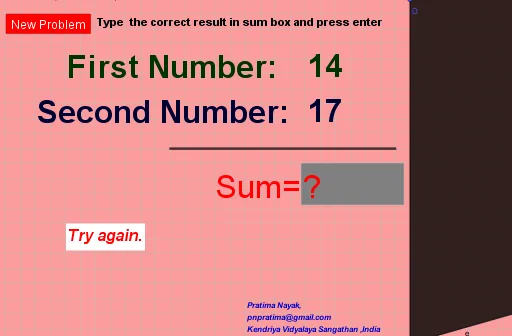
This example demonstrates a third-level addition quiz on the GeoGebra platform, involving core math concepts like addition operations, random number generation, and dynamic display of geometric figures (segments, polygons). Key GeoGebra commands used include Random for generating random numbers, Textfield and Segment for text input and line creation, and Polygon for constructing polygons. Suitable for middle school students to practice mathematics, understand randomness, and learn geometric constructions.
GeoGebra Commands & Parameters
Random(11, 19) → bRandom(11, 19) → aTextfield(c) → InputBox2Segment(A, C) → fPolygon(D, E, F, G) → q1, d, e, f_1, g
AI Drawing Prompt Reference
Create a math exercise diagram showing the process of adding two randomly generated numbers between 11 and 19. First, display these two numbers in a text box, then connect them with line segments, and finally form a quadrilateral using these segments and two random points to dynamically show the addition result and geometric construction.
The prompt above was compiled from the original drawing commands and is for reference only.