
3D Solid Geometry: Cylinder and Surface Construction with Vectors
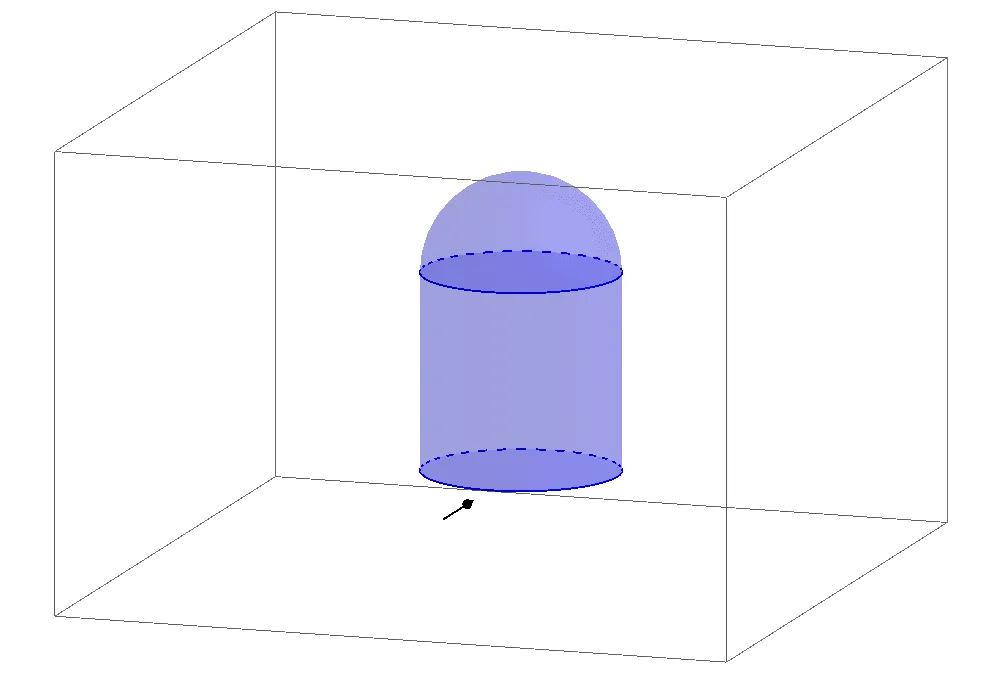
This GeoGebra example demonstrates the construction of cylinders and surfaces in 3D solid geometry. Using commands such as Cylinder, Surface, and Vector, it illustrates how to build and analyze solid figures in three-dimensional space with vector tools. The example involves spatial points (A, B, C, D) and multiple vectors (a, b, c, d, e, u) with their coordinate representations, helping students understand the relationship between surface generation and vector operations in solid geometry. Through interactive manipulation of these geometric elements, learners can observe how vectors define cylinder axes, radii, and surface boundaries, and how different surface constructions arise from varying vector configurations. The applet allows users to drag points, adjust vector magnitudes and directions, and dynamically watch how the resulting cylinder and surface respond in real time. This hands-on exploration reinforces key concepts such as vector addition, scalar multiplication, cross products, and parametric surface equations. The tool is designed for middle school and high school mathematics classrooms, providing a visual and intuitive way to grasp abstract three-dimensional geometry concepts that are often difficult to imagine from static textbook diagrams alone. Teachers can use this applet as a demonstration aid during lessons on solid geometry, while students can independently experiment to deepen their understanding of how vectors underpin the construction and analysis of cylinders and curved surfaces in space.
Loading the math board and drawing, please wait…