
100 Grid for Equivalent Fractions, Decimals and Percentages
Loading the math board and drawing, please wait…
In collections
Concrete-Pictorial-Abstract and the Teaching for Mastery
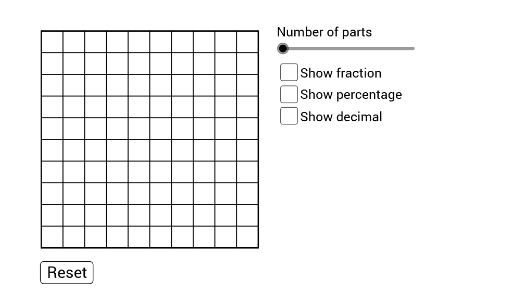
This example uses a 100 grid to demonstrate the conversion between equivalent fractions, decimals, and percentages. Key mathematical concepts include the conversion between fractions, decimals, and percentages. Construction highlights include the use of the Sequence command to generate sequences, the Polygon command to draw polygons, and the FractionText command to add fraction text. Suitable for students from upper elementary to middle school to learn the conversion between fractions, decimals, and percentages.
GeoGebra Commands & Parameters
Sequence(Segment[(i, 0), (i, 10)], i, 0, 10, 1) → list1Sequence(Segment[(0, i), (10, i)], i, 0, 10, 1) → list2Polygon(C, B, A, D) → poly1, c, b, a_1, dPolygon(E, G, F, C) → poly2, e, g, f, c_1Segment((0, 0), (0, 10)) → iSegment((0, 0), (10, 0)) → jSegment((10, 0), (10, 10)) → kSegment((10, 10), (0, 10)) → lSegment((5, 0), (5, 10)) → pSegment((3, 0), (3, 5)) → qSegment((2, 5), (3, 5)) → rSegment((2, 5), (2, 10)) → sSegment((8, 0), (8, 5)) → tSegment((7, 5), (8, 5)) → f_1Segment((7, 5), (7, 10)) → g_1FractionText(a / 100) → A4Sequence(Segment[((2 * i), 0), ((2 * i), 10)], i, 1, 4, 1) → list3Sequence(Segment[(A1, i), (10, i)], i, 0, 10, 1) → list4